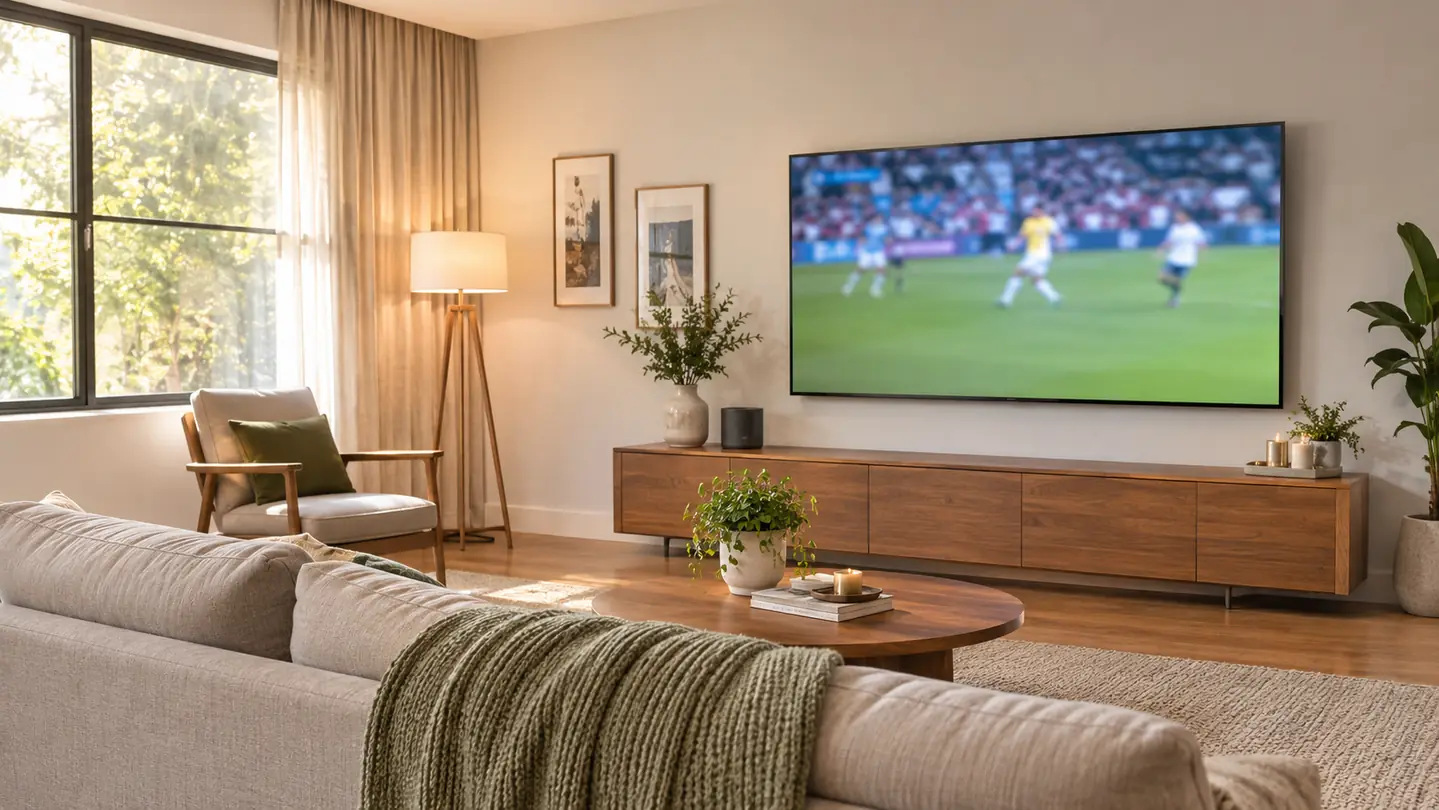
The first time I plugged the Roku Streaming Stick 4K into our old TV, I was not trying to build a fancy setup. I was trying to stop the built-in apps from making me wait. Gloria and I watch the local morning news with coffee, the evening news at 6, college football on Saturdays, and NFL on Sundays. When the apps on the old set started taking their time, every one of those routines got a little more annoying. I bought the Roku stick in March 2025, and when we replaced the old set with a 55-inch TCL T7 before Thanksgiving, I moved the stick over. It is still the way we stream every day.
So here is the short answer. The Roku Streaming Stick 4K is easier for the way we actually watch, because the menus are quick, the voice remote is the one I reach for, and the same Roku screen follows the stick from TV to TV. The TCL's built-in apps are easier in one narrow way: they are already there, and they can leave you with one remote instead of two. That matters. It just did not matter enough for us to give up the Roku.
| Roku Streaming Stick 4K | TCL 55T7 built-in apps | |
|---|---|---|
| Setup | Plug into an HDMI port, connect to Wi-Fi, sign in once. | Already inside the TV, with no stick and no extra HDMI port used. |
| Remotes on the coffee table | Roku voice remote for streaming, TCL remote to switch to the antenna. | The TCL remote can handle apps and the antenna input. |
| Day to day speed | Menus and app changes stayed quick through about 20 months of daily use. | Workable, but the apps are the reason I went back to the Roku. |
| Voice control | The voice remote is part of the Roku setup. | Not part of my routine on the TCL. |
| Source of the picture features | The stick supports 4K UHD up to 2160p at 60fps, plus Dolby Vision and HDR10+. | The picture comes from the TV itself, not from the apps. |
| Moving the streaming setup | Unplug the stick and move it to another HDMI port. | Stays with the TV. |
| HDMI ports left open | Uses one HDMI port. | Uses none. |
| Best for | Daily streaming with a consistent remote and quick menus. | A one-remote, one-device living room. |
How the Setup Actually Works
The Roku setup is a stick in an HDMI port and a one-time connection to our Wi-Fi. I plugged it in, followed the prompts, signed in to the apps we use, and that was it. The TCL sees it as an HDMI input. Most days the TV stays on that input, and the TCL remote only comes out when we switch to the antenna. The Roku voice remote does the streaming. It is not complicated. It is just one extra device and one HDMI port that the built-in apps do not have.
The built-in apps skip that step. The TV is already on the network, the apps are already in the menu, and the TCL remote can get you there. If you are the person who sets up the TV and then never wants to think about inputs again, that is the cleaner path. The trade is that you are stuck with the TV's app menu and the TV's remote. For some people, that is a fair trade. For me, the extra input step is worth it because the Roku menus are quicker once I am in.
Where Roku Streaming Stick 4K Wins
The biggest win is speed after the newness wears off. Our TCL is a good TV, and I have nothing against it. But the built-in apps were the reason I moved the Roku stick over in the first place. On the old set, I got tired of waiting. On the TCL, I tried the Google TV apps for a couple of weeks, and I kept finding myself back on the Roku. The Roku menus felt quicker to get through, and the app switching did not make me sit and watch a loading screen while I was trying to find the game.
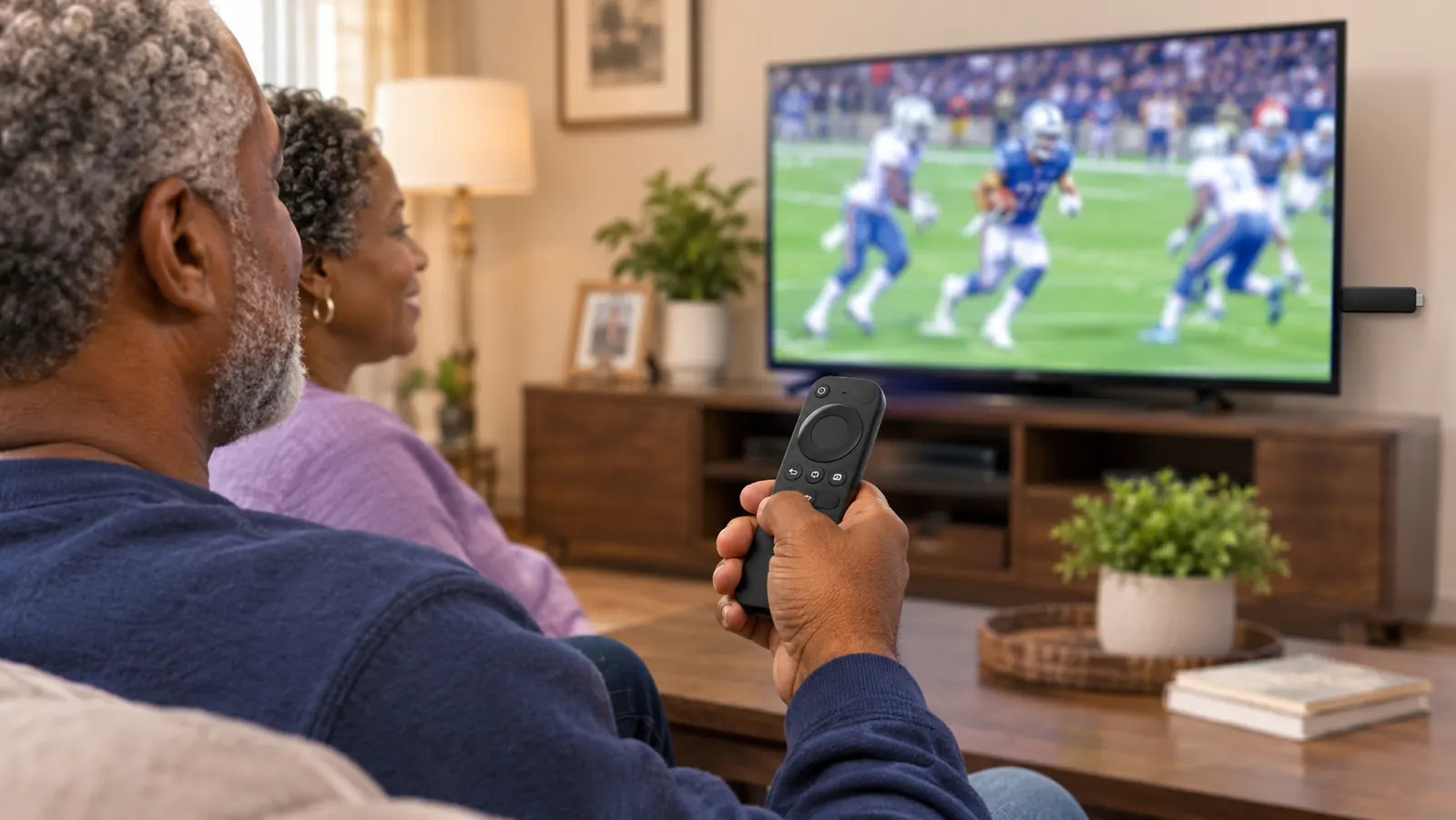
The second win is the remote. I use the Roku voice remote for almost everything. I can say what I want to watch, and I do not have to spell out a title with arrow buttons. That sounds small until you are three clicks deep in a menu and the kickoff is about to happen. The other win is that the Roku screen is the same screen no matter which TV the stick is in. When the stick moved from the old set to the TCL, Gloria did not have to learn a new system. She had already learned the Roku home screen first, and that is a big reason it stayed on the new TV.
Where the TCL's Built-In Apps Win
Built-in apps win the setup contest, and it is not close. There is no stick to plug in, no HDMI port used, and no second device to think about. If you are helping a parent set up a TV, or you just want the fewest moving parts, that is real. The TV is already connected to the internet, the apps are already there, and the remote that came in the box can do the basic work. For a lot of people, that is enough. It is the simplest version of streaming, and simple has value.
The built-in apps also win on remote count in our house. We still switch to the antenna for the local news and for the Sunday games that come in over the air. The TCL remote is the one that changes the input, so when we stream on the Roku, there are two remotes on the coffee table. When we use the TCL's apps, there is one. That is the trade. You get a cleaner coffee table and one less device, but you give up the quicker Roku menus and the voice remote I actually like using. In our living room, the trade was not worth it. In a house where nobody wants to fiddle, it might be.
If two remotes on the coffee table are the only thing holding you back, the Roku remote is the one I reach for
The Roku Streaming Stick 4K is what we use for daily streaming on the TCL. It plugs into HDMI, connects over Wi-Fi, and brings 4K up to 2160p at 60fps with Dolby Vision and HDR10+. Gloria learned the Roku screen first, and that is why it stayed.
Amazon See the Roku Streaming Stick 4K on Amazon →What Game Day and the Evening News Actually Look Like
On a Saturday, the Roku is the first thing I turn on after the TV. I switch the TCL to the HDMI input for the stick, open the app for the game, and settle in. The picture is sharp, and the motion on a kickoff return is easy to follow. I am not going to pretend I have a lab full of test patterns. I have a couch about 11 feet from the TV and a bowl of peanuts. But the Roku stick is feeding a 4K signal up to 2160p at 60fps, and the stick supports Dolby Vision and HDR10+. The field and the crowd look right. The score bug is clear. The replays do not turn into a blur.
The evening news is the other test. Gloria is the one who notices when dialogue is hard to hear, and she is usually right. We added the Polk Audio Signa S2 soundbar in January 2026 because the thin TV speakers were not cutting it for her. The Roku did not fix that on its own. No streaming device fixes bad TV speakers. But the Roku remote made it easy to get to the news app, and the soundbar handled the rest. If you are comparing a stick to built-in apps, do not expect either one to solve a speaker problem. That is a separate purchase and a separate conversation.
The place where the Roku wins on game day is not a spec. It is the waiting. When the game is about to start, I do not want to watch a spinner. I want the app to open. The Roku has been doing that for about 20 months. The TCL's apps were not terrible, but they were not as quick, and that is the whole reason the stick is still plugged in.
After about 20 months, the Roku is still the device I reach for. The TCL's apps were fine for a couple of weeks. The Roku was fine for two football seasons.
The Remote Drawer Problem
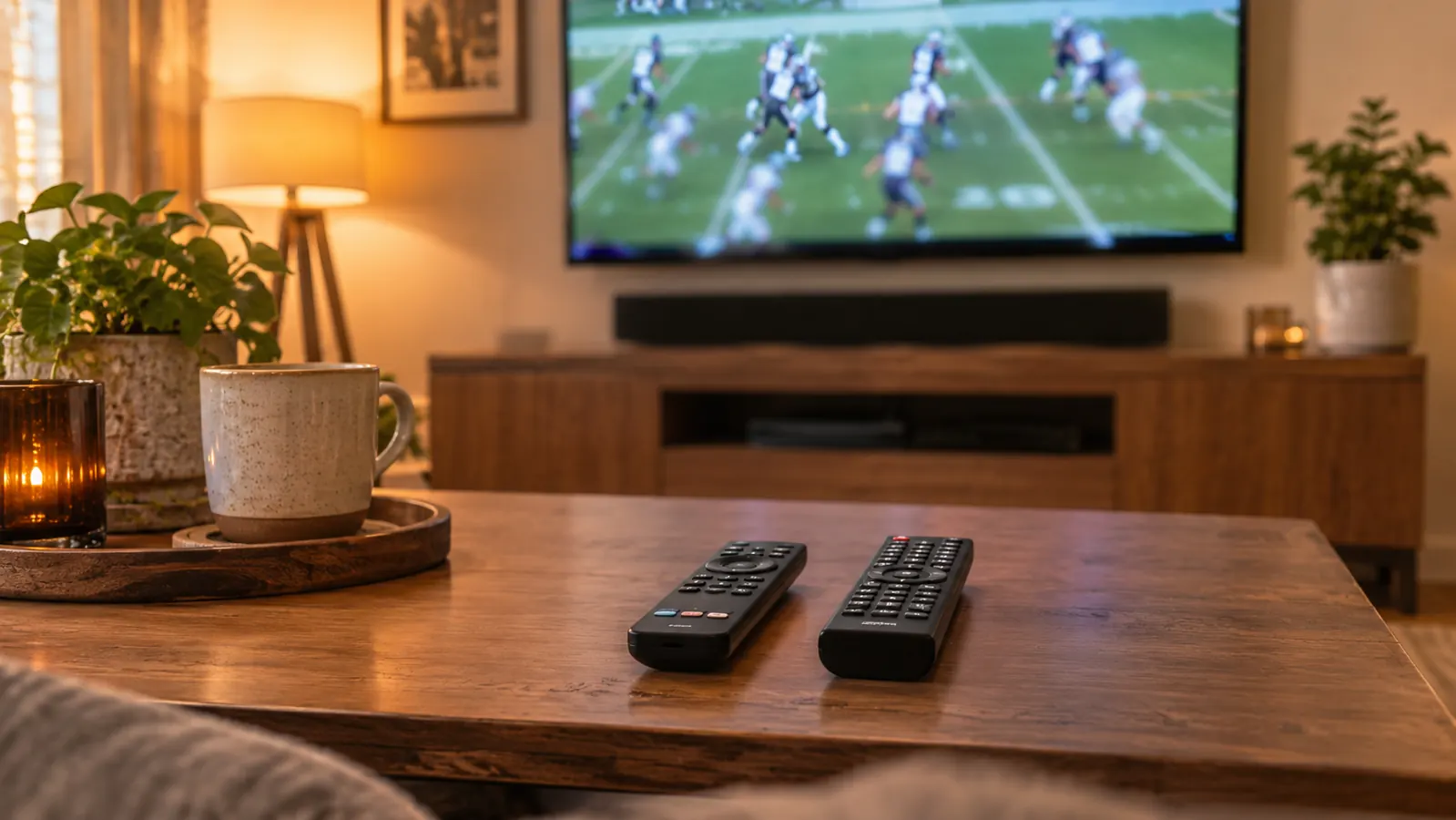
Before we cancelled cable in April 2025, we had a cable remote, a TV remote, and a Roku remote. It was a drawer full of plastic. After we cancelled cable, the antenna went in, and the remote count came down. Now the TCL remote changes the input, and the Roku voice remote does the streaming. That is two remotes, not five. The built-in apps would get us to one. I understand why that appeals to people. I just did not want to give up the Roku remote to get there.
The Roku voice remote also has TV control, so I am not always hunting for the TCL remote just to turn the TV on or off. The TCL remote still has to come out when we switch to the antenna. That is the one job it has in our house. If you never watch antenna TV, the remote math changes. If you do watch local news and Sunday football over the air, built-in apps have a real advantage. It is not a small one. It is just not the only thing that matters.
What Bugged Me About Each
What bugged me about the Roku is the extra piece. It uses an HDMI port. It is one more thing to plug in. It is one more device to think about when something does not connect. The first setup took a few minutes, and every once in a while I have to check that the TV is on the right input. That is the cost of the faster menus. I pay it because the daily use is better, but I am not going to pretend it is free.
What bugged me about the TCL's built-in apps is the pace. They are not unusable. I used them for a couple of weeks. But I kept noticing the little pauses, and once I noticed them, I could not stop. The apps are also tied to that TV. If I move to another room or another set, the Roku comes with me and the built-in apps do not. We only have one TV that matters, so that is not a daily issue for us, but it is a real difference.
Who Should Buy Which
Buy the built-in apps if you want the fewest devices and the fewest remotes. If your TV is already fast enough, if you never switch to an antenna, and if nobody in the house cares about voice search, the built-in apps will do the job. You will save an HDMI port and a little clutter. That is a legitimate choice, especially for a TV that only gets used now and then.
Buy the Roku Streaming Stick 4K if you watch a lot of sports and news, and you want the app to open when you press the button. The voice remote is the part I would miss most. The 4K up to 2160p at 60fps and the Dolby Vision and HDR10+ support are the parts that make the picture look right on a good set. The fact that Gloria learned the Roku screen first is the part that kept it in the living room. If you are setting up a TV for someone who does not want a new lesson every time, that matters more than the spec sheet.
The easiest setup is the one you stop thinking about
For us, that is the Roku Streaming Stick 4K. It has been on the TV for about 20 months, it moved with us from the old set to the TCL, and it is still the remote I pick up first. If you want fewer devices, the built-in apps are the simpler call. If you want the faster path to the game, the Roku is the one I know.
Amazon See the Roku Streaming Stick 4K on Amazon →