
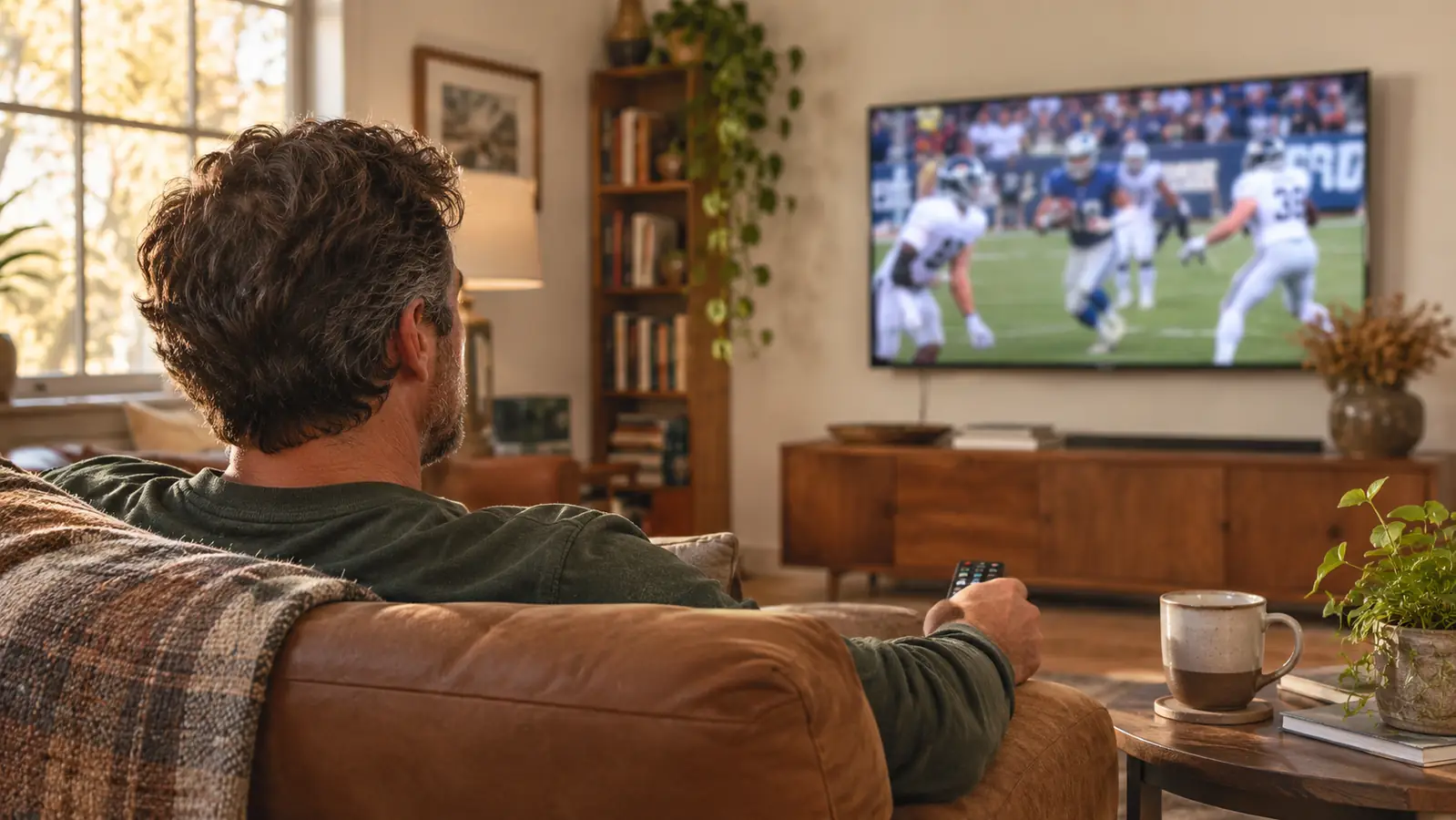
The Roku Streaming Stick 4K did not win me over with the picture. It won me over with how fast the home screen showed up, which on a weeknight at six o'clock is the only review that matters in this house.
I bought it in March 2025 to prop up a 50 inch Samsung from 2016 that had gotten slow enough that Gloria would hand me the remote and leave the room. The apps built into that set took so long to open that the evening news was into the second segment before we saw a face. Twenty months later that same stick sits in the back of the TCL in the living room, the old Samsung lives at our son Marcus's house, and the Roku is still what we watch everything through. Gloria learned the Roku home screen before she learned the new television, and that is most of the reason it never got unplugged.
What I care about in a streaming device is narrow, and I suspect it matches yours. On a Saturday, does the college game look like a game and not a smear of turf? At six o'clock, can Gloria hear the anchor without me reaching for the volume? And how many remotes end up on the coffee table by Sunday night?
The Quick Verdict
Quick to open, simple enough that my wife taught herself, and the voice remote earns its keep. The picture is only as good as your Wi Fi, and the home screen is a storefront.
Amazon Check Today's Price →The little stick that got the evening news on screen before the second segment
This is the exact model in the back of our living room TV. It runs the apps, the remote handles power and volume, and it has been the first thing I turn on every morning for twenty months.
Amazon Check Today's Price on Amazon →How I've Used It
The install took less time than finding a free outlet. The stick goes straight into an HDMI port and the body of it disappears behind the television, so the only thing you see from the couch is a picture. The remote paired itself during setup, I connected it to the house Wi Fi, and then I typed account passwords into an on screen keyboard one letter at a time, which is the worst part of any streaming device and not really this one's fault.
From there it was signing into the apps we actually use, Prime Video and Netflix and Hulu, plus the news apps for the local stations. I set it up once in March 2025 on the old Samsung. When the TCL showed up in November 2025 I unplugged the stick from the Samsung, plugged it into the new set, and everything came back the way I left it, same apps, same order, same sign ins. I tried the TCL's own built in apps for a couple of weeks to be fair to the thing, and then I went back to the Roku and stopped thinking about it.
What that looked like in practice, in the first week: I would come in from the garage around 6:25, hit the button on the remote, and the home screen was up before the coffee finished brewing. On the Samsung I used to press the smart hub button and then go do something else, because the thing thought about it for a while. The apps were not just faster to open, they were faster to leave and come back to. I could bounce out of the news app into Netflix and back without the whole thing starting over. That sounds like a small thing until you have lived with the alternative for nine years. The stick itself has not needed a restart or a factory reset in twenty months. It sits behind the television and does its job the way a light switch does.
That is the whole relationship. It gets turned on with coffee at 6:30, it runs the morning news while Gloria reads the paper, it carries the six o'clock news, and on weekends it carries football from noon until I fall asleep in the recliner. Nothing about that has changed in twenty months, and I have not had to troubleshoot a single thing beyond the occasional router nonsense that hits every device in the house.
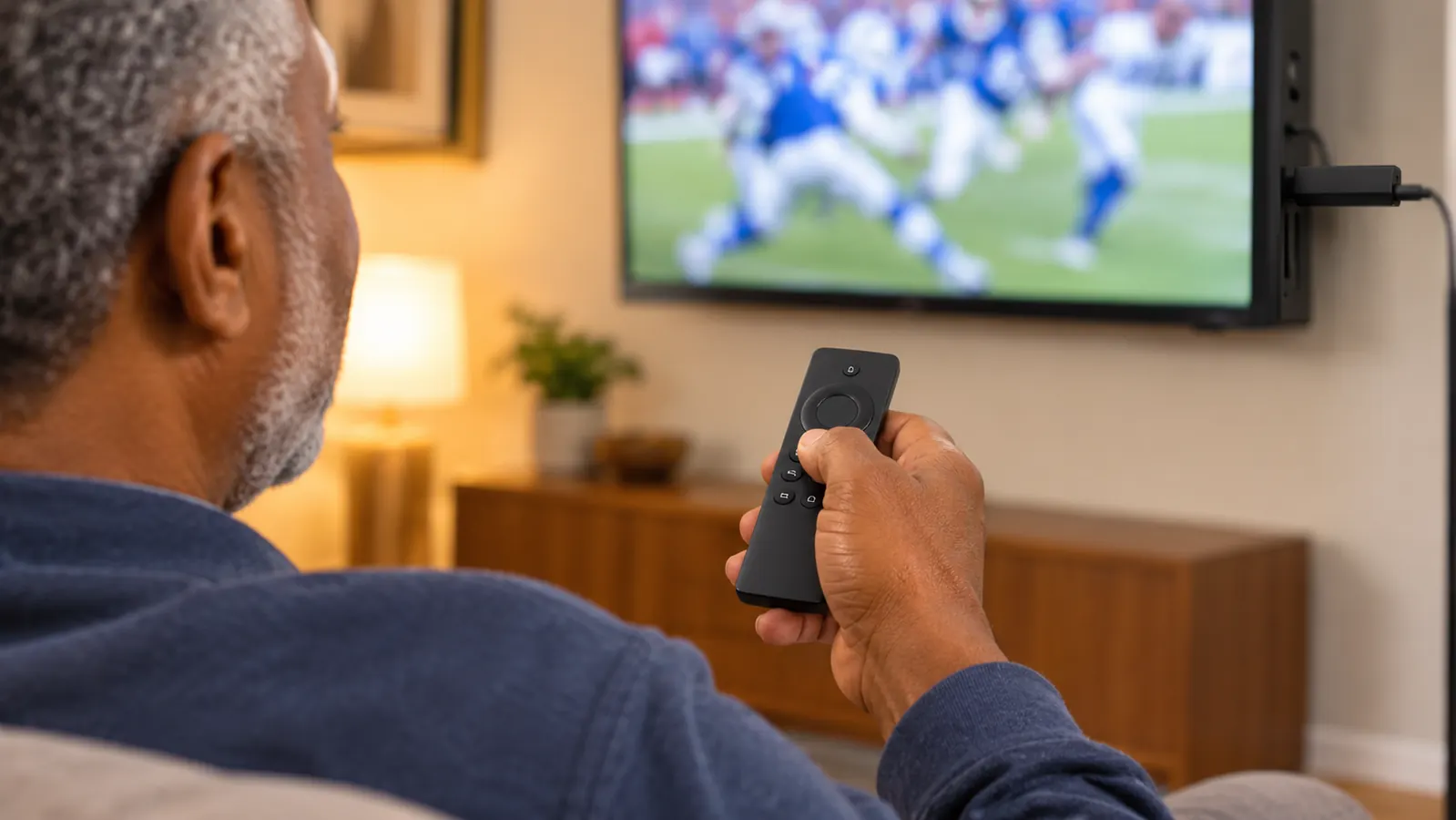
Motion on Game Day, and What 4K at 60fps Actually Buys You
The stick outputs 4K UHD, up to 2160p at 60 frames per second, and it passes Dolby Vision and HDR10+ along when the stream and the television both support them. I want to be plain about what that does and does not mean. A streaming device cannot put detail into a broadcast that was not there to begin with. What it can do is not get in the way, and not add its own stutter on top of what the camera is already doing.
The test I run on any television in this house is a kickoff return. The camera whips across the field, the returner cuts, the whole frame moves at once, and on a setup that is struggling the jersey numbers turn to mush and the yard lines look like they are catching up. Through the Roku, the numbers stay numbers the whole way down the sideline. Some of that is the newer television doing its part, and I will not pretend otherwise, but the old set had the same panel limits and looked worse, because the app itself was stalling while the play was already running.
Here is a concrete one. In September I sat down with a Saturday afternoon game on one app and a second game on another, flipping back and forth during the commercials the way I always have. On the old setup, every flip meant a loading screen and a lost down. Through the stick, the second app came back up with the picture already moving, and I never missed a snap. Basketball in winter tells you more, because a hardwood floor and a fast break is the hardest motion there is: the ball stays a ball instead of smearing into a line, and the score at the corner of the screen stays sharp while the camera pans. That is the whole reason I stopped noticing the device, which is the highest thing I can say about a piece of electronics.
Where the high dynamic range matters is not the game so much as the studio shows and the news. Bright stadium lights, dark blazers, a graphic sliding across the bottom of the screen, all of it holds together instead of clipping to white. If your television handles Dolby Vision or HDR10+, the stick will hand it over. If it does not, the stick falls back and the picture looks the way it always did, which is the correct behavior and not something you have to configure.
The Voice Remote Is the Reason It Stayed
The remote has voice control, and it also controls the television itself, power and volume, so on most nights it is the only one I pick up off the coffee table. I want to be clear that Gloria is the one who proved this out. She is not a person who wants a tutorial, and she had the Roku home screen figured out inside a week. Now she holds the button and says the name of the show or the anchor she is looking for, and the stick finds it across the apps instead of making her open four of them and hunt.
For a sports household, that matters more than it sounds. Marcus is over most Sundays, and at some point in the afternoon somebody wants to know whether the game is on another app, and the answer takes about eight seconds. Before this, that question involved three remotes and a certain amount of standing in front of the television with your arms crossed. I am 58 and I have been the guy who fixes things for a living, and I will still take the easy button when it is sitting right there.
Gloria does her version of this from the kitchen side. I pull the television out on the mount and angle it toward the stove when she is cooking, and she will hold the button and say the name of the local morning show rather than walking over to the coffee table with wet hands. Sunday afternoons, Marcus takes the remote and searches by voice for whichever game he wants, and the fact that the three of us do not argue about it is worth something I cannot put a number on. I have also used it to jump straight to a network by name when I could not remember which app was carrying a game, which happens more at 58 than it did at 40.
News at Six, and the Part the Stick Cannot Fix
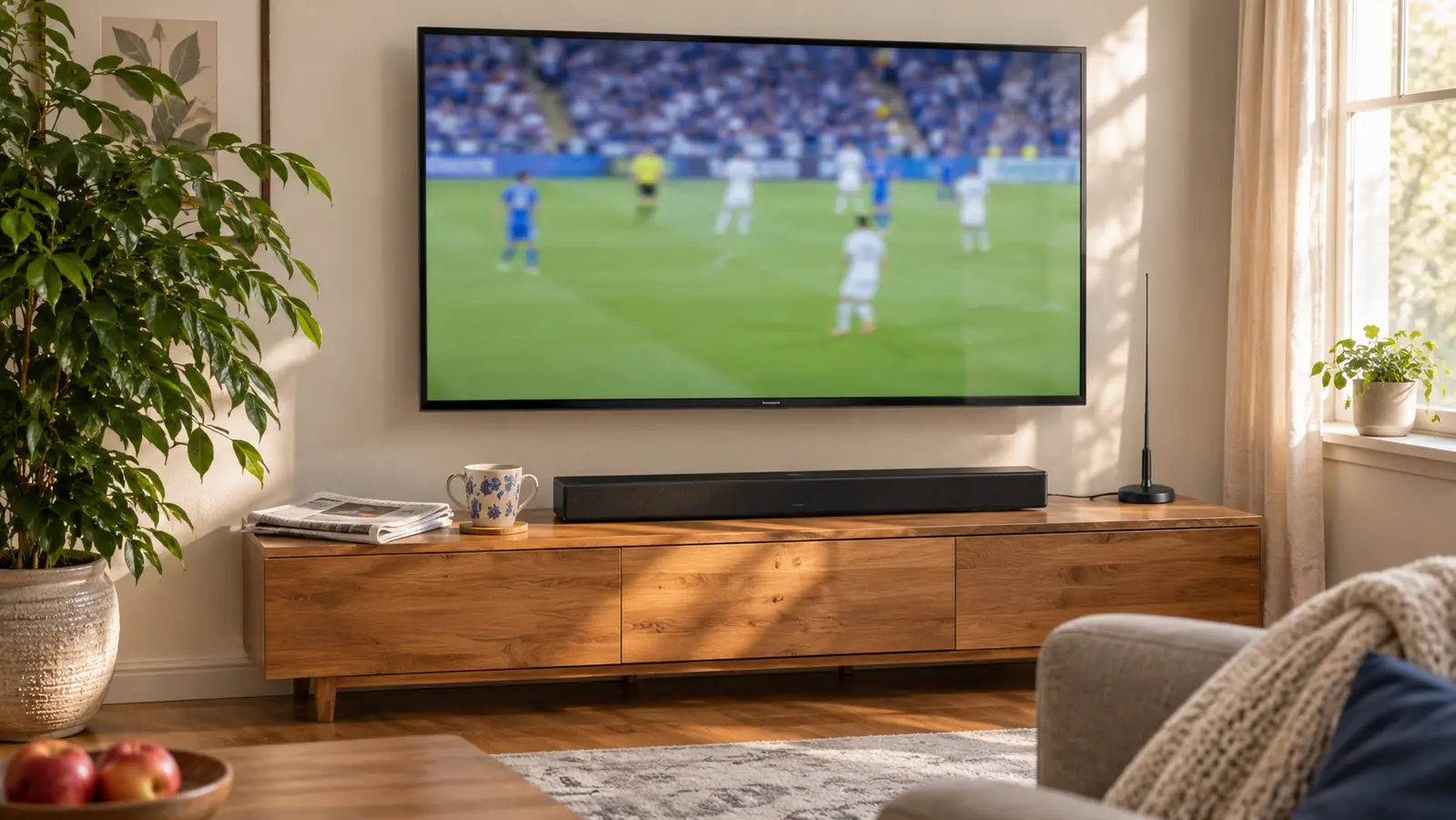
Here is where I have to be honest with you, because a review that blames a streaming stick for everything is not worth reading. The stick did not fix Gloria's complaint about the evening news. What fixed that was the soundbar we added in January 2026, because the thin television's own speakers were the problem and no amount of good streaming hardware changes a speaker. If dialogue is the thing bugging you, spend the money on audio and leave the stick out of it.
To be accurate about where the news comes from in this house: the six o'clock broadcast comes in over the indoor antenna, because that is live and free and it is what we have done since we cancelled cable in April 2025. The Roku handles the rest, the news apps for the stations, the weather on demand, and the nights when supper runs late and we would rather start the broadcast over again than miss the first ten minutes. Switching to the antenna input is the one job I still use the TCL remote for. Everything else in the evening is the Roku remote, and I like that the count of things I have to pick up stays at one.
What the stick does for the news is timing. If supper runs long, we start the six o'clock broadcast a few minutes behind and skip nothing, and the local app opens fast enough that we are not staring at a loading screen while the weather segment plays out without us. The 4K and the high dynamic range are not the point at six o'clock. Being able to sit down and have it already working is the point.
Where It Bugs Me
The home screen is a storefront. There is a row of promoted titles at the top and it moves, so the thing you were about to click is not always where you left it. You can get used to it, and I have, but it is the one part of the device that feels like it was designed for somebody other than me. It also lives entirely on Wi Fi. When the router hiccups, the stick hiccups with it, and unlike a device you can plug into the wall for internet, there is nothing to fall back on.
It takes an HDMI port, which sounds obvious until you count them. Between the soundbar on the ARC port and the antenna on the coax, the back of our television is a busy place. The on board memory is modest, so this is a streaming device and not a place to keep a library, and heavier apps can take a beat to come back if you have been away from them for a while. None of that is a deal breaker. It is just the honest list.
What I Liked
- Apps open fast, which is the whole reason I bought it
- The voice remote also controls the television's power and volume, so one remote does most of the work
- Small enough to hide behind the television with no clutter on the console
- Passes Dolby Vision and HDR10+ through when the stream and the TV support it
- Simple enough that a household member who does not want a lesson learned it in a week
Where It Falls Short
- The home screen promotes things and the top row shifts around
- Everything runs on Wi Fi, so a bad router is a bad picture
- Takes one HDMI port, and ports are scarce once a soundbar and antenna are in play
- Modest on board memory means some apps reload slowly after a long gap
The test I run on any television in this house is a kickoff return. Through the Roku, the numbers on the jerseys stay numbers the whole way down the sideline.
Who This Is For
This is for the household with one good television and a room full of people who want the game on without a project. If your set's built in apps have gotten sluggish, or if you have a newer television and you simply do not like the way its home screen works, this stick fixes both for less than a night out. It is also for the person who ends up as tech support for a spouse or a parent, because the voice remote means fewer calls about which input to select. If you watch local news over an antenna and stream everything else, this is the combination that has worked in this house for the better part of two years.
Who Should Skip It
Skip it if your Wi Fi is unreliable at the television wall, because no streaming device is better than the signal feeding it, and you will spend more time blaming the stick than fixing the router. Skip it if you already have built in apps on a recent television that you like, since the gain will be small and you will be spending an HDMI port for a slightly faster menu. And skip it if you expect a streaming device to improve sound, because it will not, and the soundbar question is a separate one with a separate answer.
One remote, one home screen, and the game on before kickoff
Twenty months on the same stick, two different televisions, and it is still the first thing I turn on with my coffee. If you are tired of waiting on slow built in apps, this is the fix.
Amazon Check Today's Price on Amazon →