
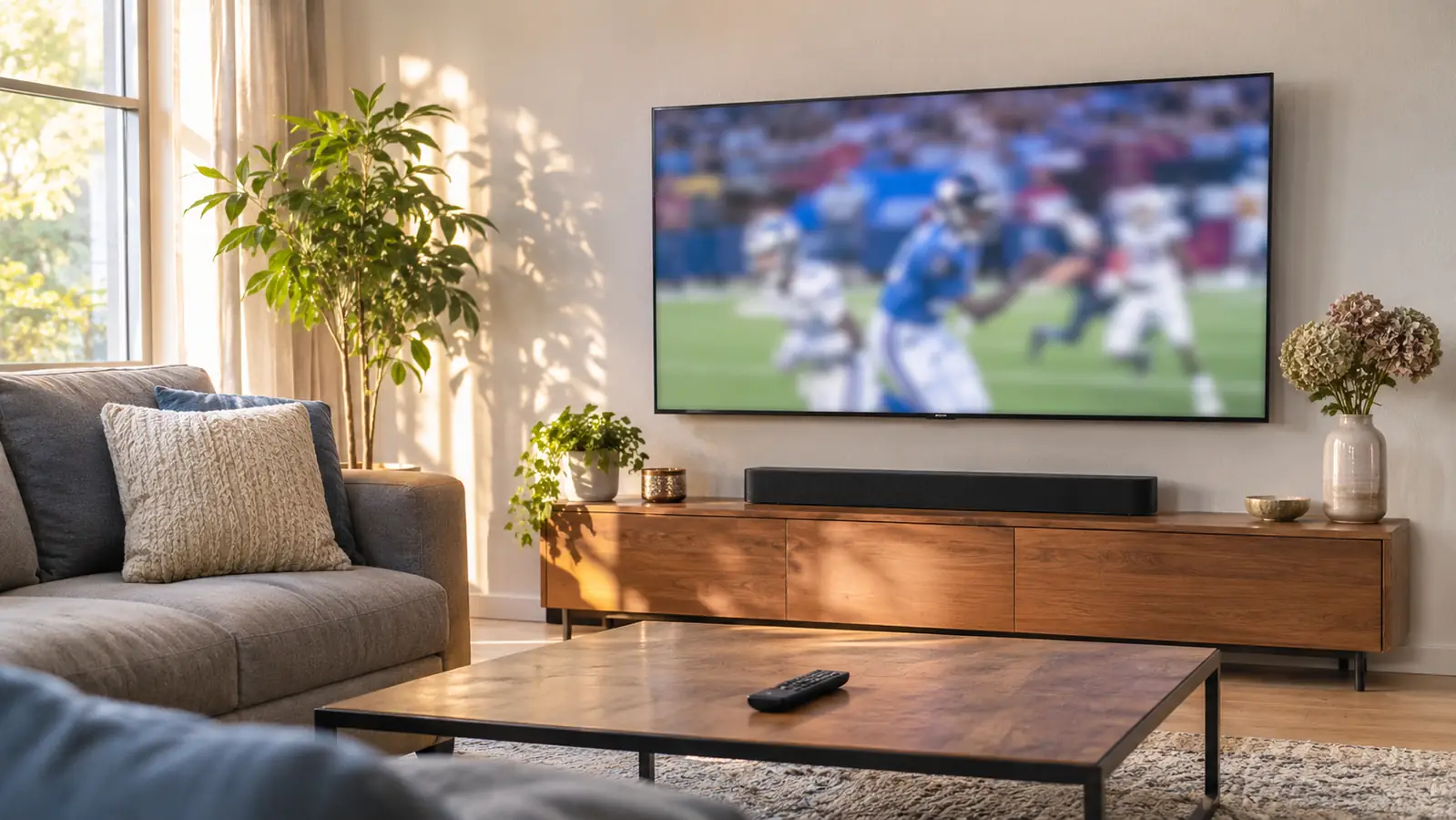
I bought the Roku Streaming Stick 4K in March 2025 for one reason. The apps built into our old 50 inch Samsung had gotten slow enough that I could press the Netflix button, walk to the kitchen, make coffee, and come back to a spinning circle. I was not shopping for a hobby. I wanted the evening news and a Saturday football game without a five minute wait first. Twenty months later that little stick is still how my wife Gloria and I watch everything, and it has only moved once, from the old Samsung to the TCL we hung in November 2025.
This is where most write-ups stop. Four and a half stars, works great, buy it. That is not useful to a person standing in their living room holding two remotes and a cup of coffee. So here is the honest version: what the Roku does well in a house like ours, the things that genuinely annoyed me, and the people who should spend their money on something else. I am not a tech reviewer. I am a retired city bus mechanic in Raleigh who wants the six o'clock news to come on when he presses a button.
The Quick Verdict
The fastest route to a working TV in this house, and the only remote Gloria will use. It will not fix a weak network, and it cannot see your antenna.
Amazon Check Today's Price →The stick that turned a slow TV into a useful one in a single afternoon
One HDMI port, the house Wi-Fi, and about twenty minutes of setup. That is what it took here.
Amazon Check Today's Price on Amazon →How I've Used It
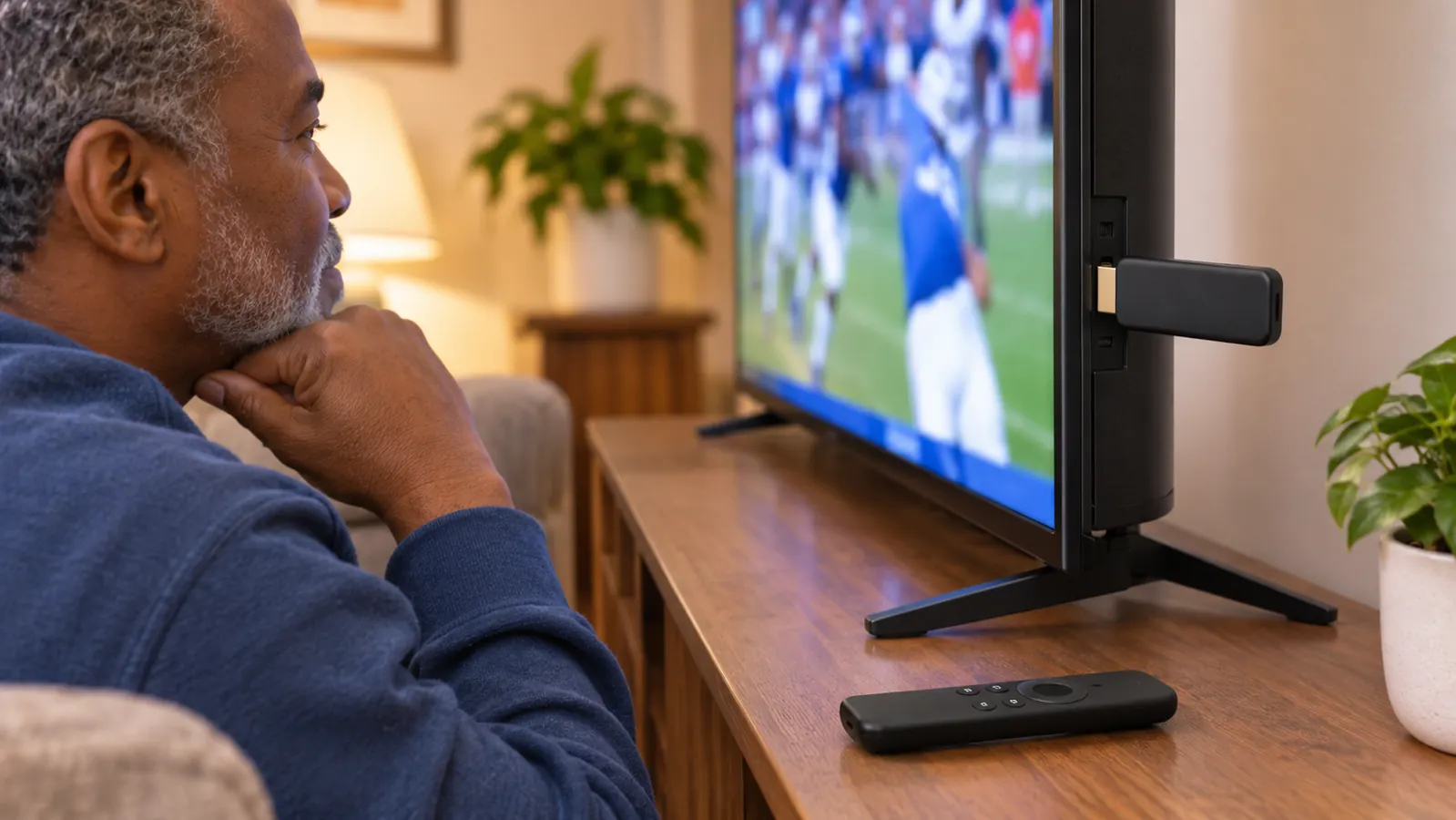
The stick is small and light and it plugs straight into an HDMI port on the back of the television. That is the whole installation. Ours connects to the house network over Wi-Fi. I ran through setup on a Tuesday afternoon and we were watching by supper. Gloria is the real test in this house, because she has no patience for menus. She learned the Roku home screen in about two days and she has not once asked me to come fix it, which is more than I can say for the apps that came on the old Samsung. When the TCL arrived I pulled the stick out of the old set and moved it over. Nothing else changed on our end.
Setup itself was about twenty minutes, and most of that was me typing the network password with a remote. The stick weighs almost nothing, 25.54 g according to the listing, so it hangs off the HDMI port without sagging or needing a bracket. I plugged it in, chose the network, waited through one software update, and signed in to the apps we already had. I did not have to run a cable or find a shelf or drill anything. If I can do it on a Tuesday afternoon at fifty eight years old with my reading glasses on, most anybody can.
What we actually watch through it is streaming. Netflix, Prime Video, Hulu, and Vudu and Pandora if those are your thing. The local morning news and the six o'clock news come in through the antenna we bought after we cancelled cable, and that signal goes into the television, not into the stick. Same with Sunday football on the broadcast channels. So the Roku handles the shows, the movies and the basketball, and the antenna handles the rest. Two systems, one screen. It works fine, but you should know it going in, because it explains why there are two remotes on our coffee table and not one.
A normal day here starts with coffee and the local morning news on the antenna input. In the evening we switch over to the Roku for whatever we are streaming. Saturdays in the fall it is college football, Sundays Marcus drives over for NFL, and in winter we add basketball, then baseball in summer. In twenty months of that routine the stick has been the most reliable piece of electronics in the room. It comes on, the home screen appears, and I pick something. No update has broken it. No lockup has made me crawl behind the console with a flashlight.
What the Picture Actually Looks Like on a Saturday
The stick puts out 4K UHD, up to 2160p at 60 frames a second, and it supports Dolby Vision and HDR10+. That is the spec sheet. What it means in the living room is this: on a good stream, a football field looks like a football field. The green is even, the white yard lines are crisp, and I can read a jersey number on a sideline shot without leaning forward. Colors on a nature show or a movie look richer than they did through the old set's built-in apps, and to my eye they look right rather than cranked up.
Motion is where I pay attention, because a kickoff return is a hard test. Fast pans across the field, a camera chasing a punt, a guard driving to the basket. I do not see the smear or the stutter that used to make me squint. Some of that is the TCL and I will say so plainly. I am not going to pretend the stick alone is the reason motion looks smooth. What I can tell you is that when the stick is doing the streaming, motion looks as good as anything else we watch in this house, and that was not true of the setup we had before.
Let me give you an actual afternoon. Late October, a college game on a Saturday, Marcus over with a plate on his knee. A receiver went up near the sideline and came down with a toe inside the white, and the replay showed it clear enough that nobody at the coffee table argued. That is what 4K on a 55 inch set buys you. I did not have to guess at the call. Ask me about a holding call and I will still get it wrong. That is on me, not the stick.
The honest catch is that picture quality depends on what you feed it. A 4K stream on a solid connection looks great. A weak signal looks like a weak signal, and no streaming stick fixes that. I have watched a game go soft and blocky in the middle of a heavy rain when the whole neighborhood is online. That was the network, not the Roku. It is still worth saying out loud, because people buy one of these expecting a picture upgrade, and it is only an upgrade if what is coming in is worth showing.
One more thing I noticed: dialogue. Gloria is the one who complains when voices get buried under music, and she complained plenty about the thin speakers on the new TV. The stick did not change that. Once we put the soundbar under the set and ran one HDMI cable to the TV's ARC port, the evening news got clear and the complaints stopped. If you take nothing else from this, take that: the cheapest picture in the world will not save you from bad sound.
The Remote Is the Reason It Stayed
The voice remote is the part I would miss most if it went away. I press the button, say the name of a show or a team, and it comes up. My thumbs are not what they were after thirty years of turning wrenches, so pecking out letters on an on screen keyboard is a genuine chore. Talking to it is faster. It also handles the television itself, so it turns the set on and off and runs the volume. Most nights I pick up one remote and leave the other one sitting there.
Gloria uses the home screen more than the voice search, and what she likes is that the apps sit in a row where she can see them. She does not have to remember which input or which menu or which colored button. She presses home, the row is there, she picks her show. That sounds like nothing. It is the single reason the stick is still plugged into the new television. When we tried the TCL's own apps for a couple of weeks, she asked me twice a night how to get back to where she had been. I moved the Roku over and the questions stopped.
I will add that I am the one who reaches for the voice search on game day. Saying the name of a team is a lot quicker than spelling out a college nobody can spell, and in a house with one person who wants the pregame show and another who wants the news, quick is good.
When we tried the new TV's own apps for two weeks, Gloria asked me twice a night how to get back to where she had been. I moved the Roku over and the questions stopped.
What Nobody Tells You Before You Buy
First, the stick cannot see your antenna. The Roku is for streaming. Your local channels come in through the television's antenna input, and switching to them is the television's job, not the Roku's. If you watch the news over the air like we do, you will still pick up the other remote for that. It is one extra button press, and it took me about a week to stop resenting it.
Here is what that looks like on an ordinary weekday. I get up, start the coffee, pick up the television remote, press the input button once, and the local morning news is on. Two presses and about four seconds. It took me a week to stop reaching for the wrong remote, and then it became habit and I stopped thinking about it. But if you are the sort of person who gets irritated by that kind of thing, you should hear it from me now rather than find out on your first morning.
Second, the home screen is not a neutral place. There is a large promoted tile in the middle of it that changes with whatever the platform is pushing that month. I did not ask for it and I do not use it. Gloria has learned to look past it. It is not a deal breaker and it does not cost me a thing, but if a quiet, tidy menu matters to you, this is not that, and I would rather tell you now than have you find out on a Tuesday night.
Third, the device itself is modest. It carries 1 GB of RAM and 16 GB of storage, and that is the whole of it. That is fine for streaming, and after twenty months ours still opens apps without a long wait. But it is a small device doing one job, and I would not expect it to feel this quick in year five the way it does now. Nothing has slowed down on me yet. I am just not going to promise you it never will.
Twenty Months In
This is the part I can speak to that a person unboxing today cannot. The stick has been plugged in through a Raleigh summer and a Raleigh winter, through the week the power blinked four times, and through more hours of basketball than I care to add up. It has not needed a reset. It has not lost the network for longer than it took to come back on its own. The remote has been dropped on a hardwood floor more than once by more than one person in this house and it still works fine.
The seasons are how I keep track of it. It went in during March, so the first thing we watched was the end of basketball season and then baseball all summer. It was already in the house when the TCL came through the door in November, and it was the first thing we turned on that night once the set was up on the wall. Winter basketball, then a spring of the evening news and whatever movie Gloria picked. Somewhere in there twenty months went by and I never once thought about replacing it.
The one thing that has changed is me. I have gotten pickier about the home screen and about how many clicks it takes to get to the thing I want. That is a small gripe. The bigger point is that the stick solved the problem I bought it to solve, and it kept solving it after I moved it to a different television, which is more than the apps built into either set managed.
If you are the kind of person who wants the newest interface every year, this is not that product and it does not pretend to be. If you want the thing to turn on, show you your apps, and get out of the way, that is exactly what it does, twenty months running.
What I Liked
- Voice remote is quick and saves typing, which matters if your hands are not what they used to be
- Moved from one television to another with no setup hassle at all
- Supports Dolby Vision and HDR10+, and 4K UHD up to 2160p at 60 frames a second
- Home screen is simple enough that my wife learned it in two days and never needed help again
- Small and light enough to plug straight into an HDMI port with nothing else to mount
Where It Falls Short
- Cannot see your antenna, so over the air channels still need the television remote
- Promoted tile in the middle of the home screen that I did not ask for and do not use
- Wi-Fi only connection, so a weak signal is a weak signal and the stick cannot fix it
- 1 GB of RAM and 16 GB of storage is enough for streaming, not enough to feel fast forever
- Does nothing for bad television speakers, which is a separate purchase
Who This Is For
This is for the household with one good television and a set of apps that has gotten slow, or a set whose built-in menu makes somebody in the family ask for help every night. It is for the sports watcher who cares about a clean picture on a fast break and a punt return, and for the news watcher who wants to get to the evening news without a fight. It is for the person who wants one remote to do most of the work and does not want to learn a new system every couple of years.
It is also for the person who has a decent network already. Ours has been fine. If yours is not, fix that first, because no stick on the shelf will paper over it.
Who Should Skip It
Skip it if you want a wired connection, because this one is Wi-Fi. Skip it if you expect a streaming stick to also bring in your local channels, because it will not, and you will be annoyed every single morning. Skip it if the television you are plugging it into is already fast and you like its menu, since you would be buying a second thing to do a job that is already done.
And skip it if you are chasing the best possible picture and sound and are willing to spend accordingly. This is a small, simple device that does streaming well. It is not the centerpiece of a serious theater, and it does not claim to be.
If your TV is the slowest thing in the room, this is the fix I would buy again
Same stick, same twenty months, same one HDMI port. Gloria still uses it every night without asking me a thing.
Amazon Check Today's Price on Amazon →