
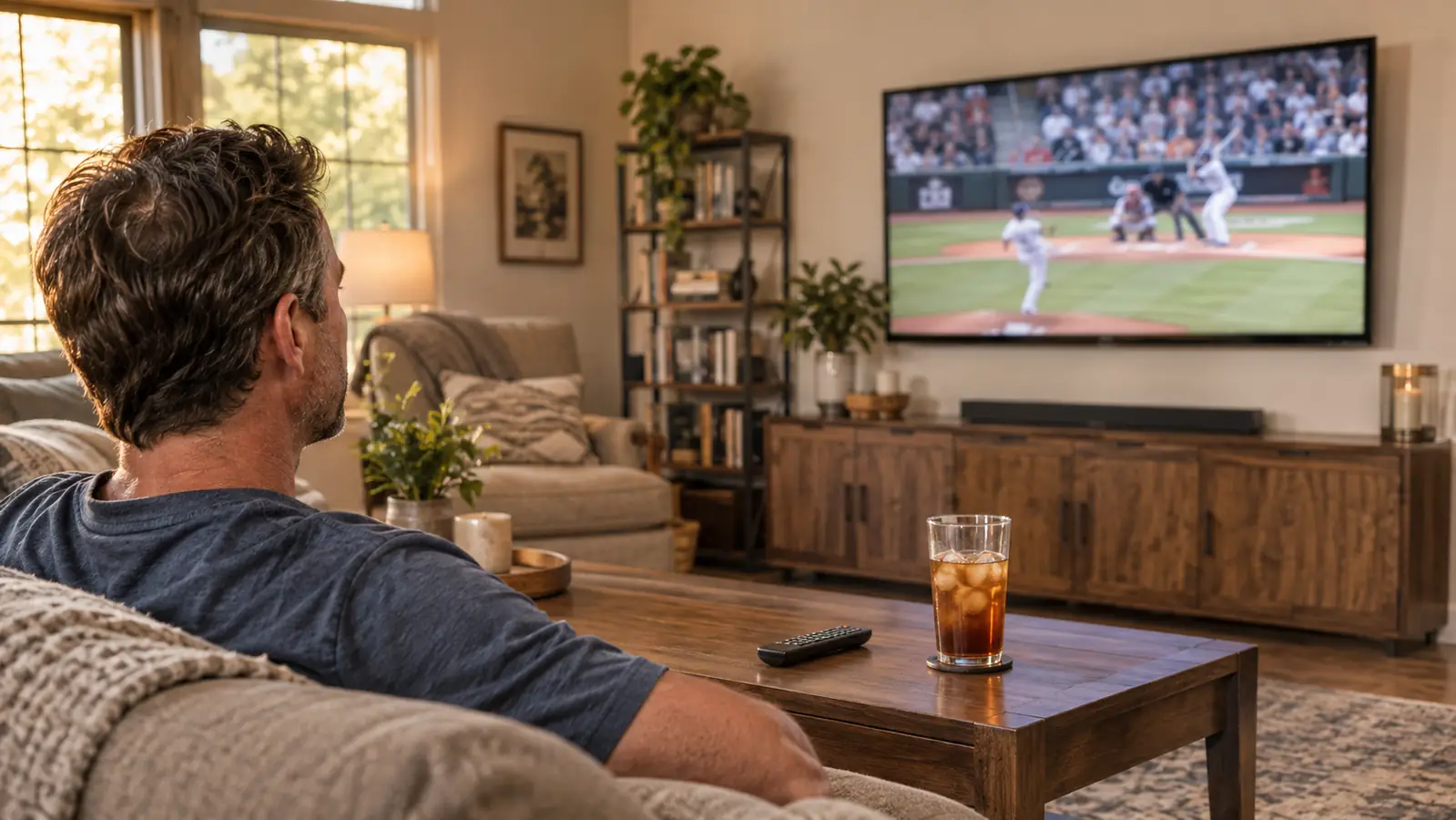
Game day at my house used to start with a small argument about remote controls. Gloria wanted the news, I wanted the pregame show, and the old television's built-in apps took so long to wake up that we would miss the kickoff while a spinner turned. I bought the Roku Streaming Stick 4K about twenty months ago, in March 2025, for the 50 inch Samsung in the living room because its apps had gone slow. When the TCL 55 inch T7 replaced that Samsung in November 2025, the stick moved over with it. It is still what we watch everything on.
Here is what I did not expect. The thing that made sports easier to watch was not a picture setting or a bigger screen. It was having one small device carrying the apps, the search, and the remote, so the television goes back to being a panel on the wall. Ten reasons it earned its spot, in the order I noticed them.
The little thing that ended the remote argument in my living room
The Roku Streaming Stick 4K plugs into an HDMI port, feeds the TV up to 2160p at 60 frames per second with Dolby Vision and HDR10+, and puts the power and volume on the same remote you search with.
Amazon Check Today's Price on Amazon →One remote does the power, the volume, and the searching
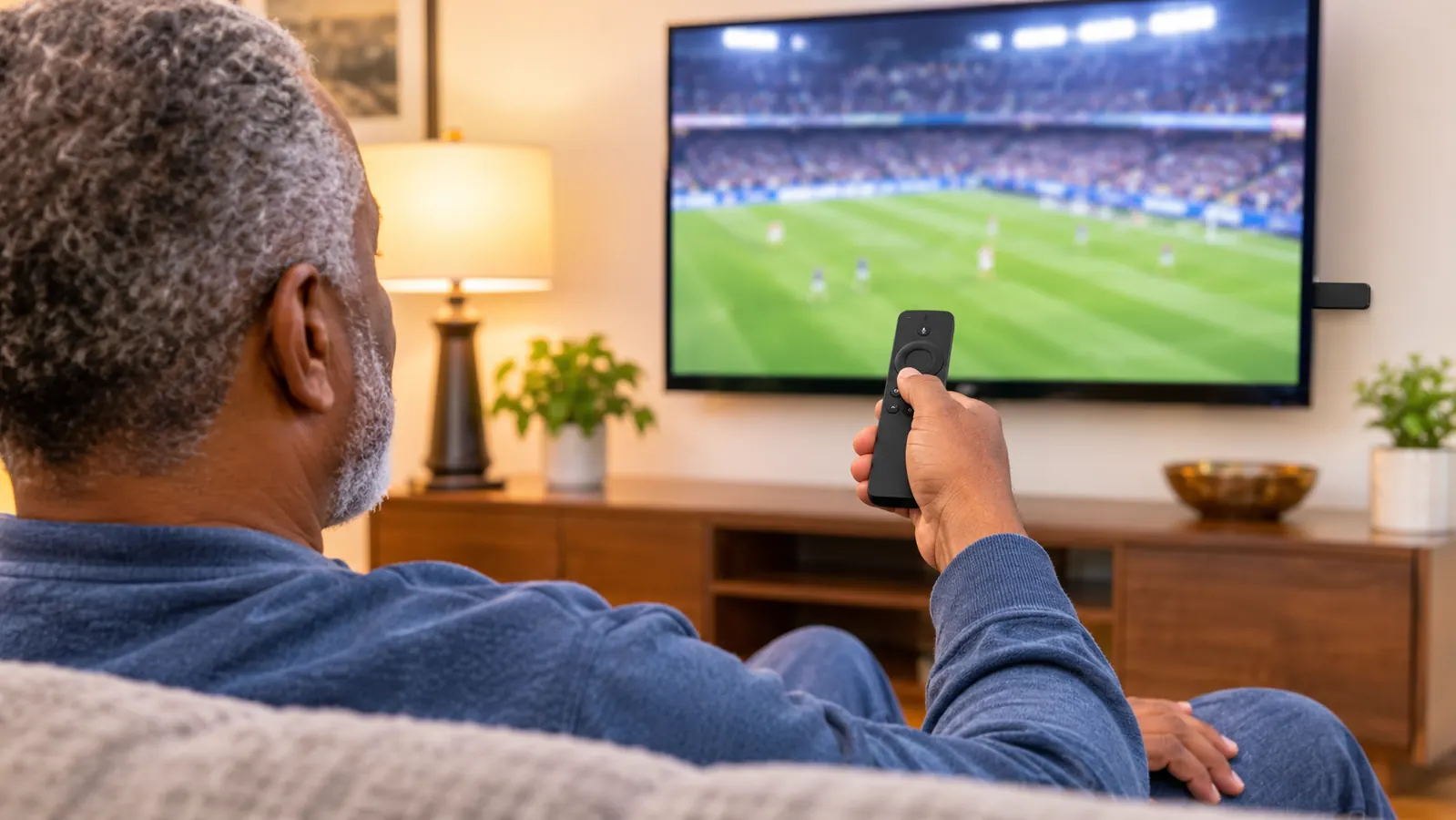
Before the Roku, game day meant two remotes and a certain amount of muttering. The television remote turned the set on and switched inputs. Whatever box was plugged in had its own clicker for everything else. The Roku voice remote handles power and volume as well as the browsing, because the stick is set up to control the television it is plugged into. Now the second remote lives in the drawer and comes out only when I want the antenna input for a local broadcast. Two remotes down to one, and fewer things to lose under a cushion.
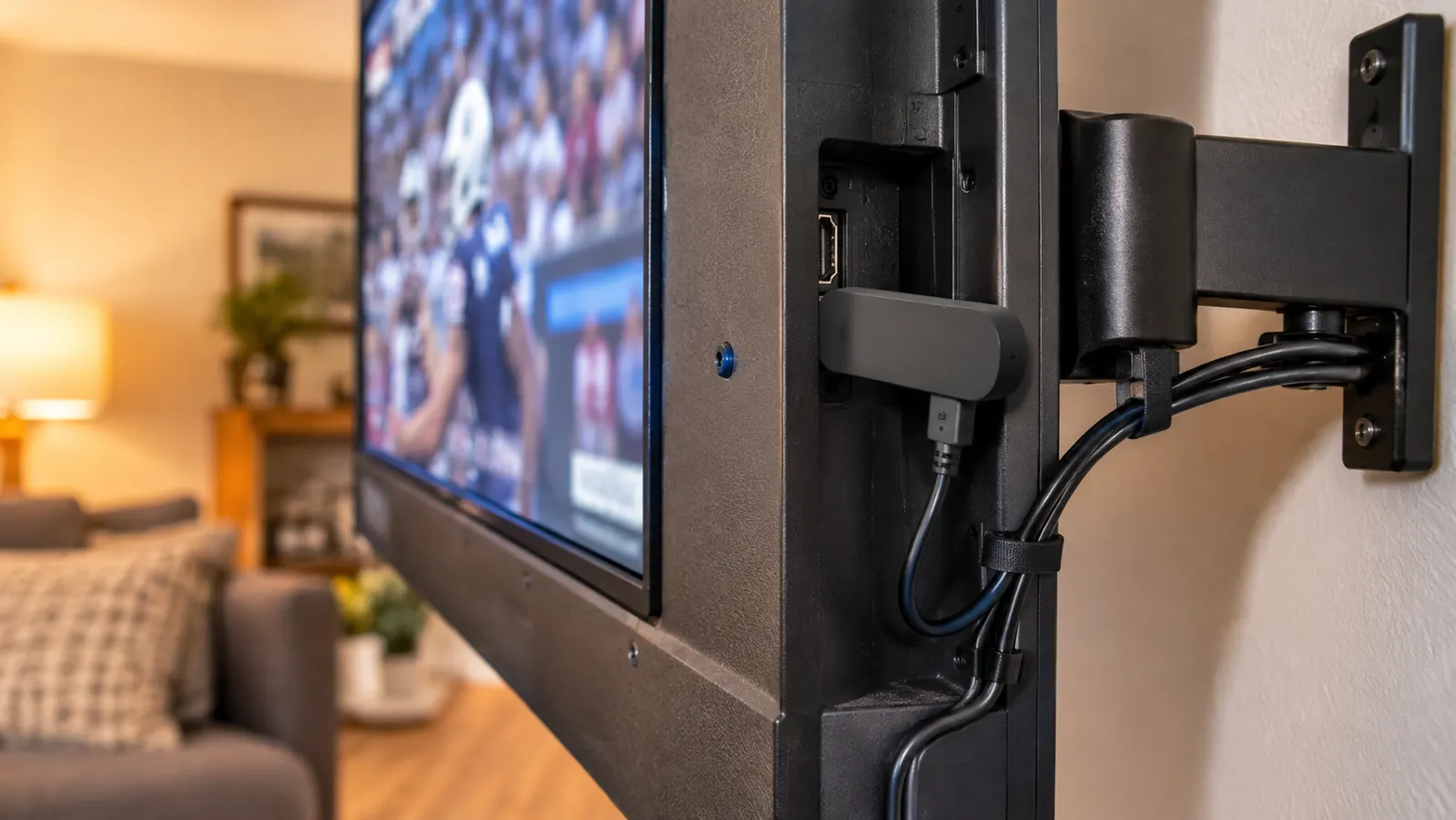
It hangs off the back of the TV, so the wall mount can swing
The stick weighs 25.54 grams, a bit under an ounce, and it plugs straight into an HDMI port. That matters here because the television hangs on a full motion mount on the long wall. I pull it out and angle it toward the kitchen side when Gloria is cooking and watching the six o'clock news, then push it flat for football. A streaming box sitting on the console would have needed slack cable and a shelf to live on. The stick rides along with the panel and never enters the conversation.
Voice search beats spelling a team name with arrow keys
Old menu systems made you hunt letters across a grid, which is a miserable way to find anything eight minutes before kickoff. I hold the button, say the name of the team or the app, and it comes up. I am 58 and my thumbs are not what they were after a career turning wrenches on city buses, so voice is not a novelty to me. It is how I use the thing. Gloria uses it too, and she has never once asked me how to type in a search.
4K at 60 frames per second keeps a kickoff return readable
The stick outputs up to 2160p at 60 frames per second, and the TCL can show it. What that means on a Sunday is that a return man cutting across the field stays one player instead of a smear. I noticed it most on long camera pans and on the score graphic in the corner, which used to shimmer on the old set. I am not going to pretend the stick is upgrading your panel. It is feeding the television a clean 4K signal, and the difference shows on fast motion.
Dolby Vision and HDR10+ give a night game its shadows back
The stick supports Dolby Vision and HDR10+, and on a night game the difference lives in the dark parts of the picture: the stands, the white of the yard lines, the scoreboard lights. On the old television that same scene went flat and gray in the corners. Not every broadcast carries it, and you will not see a change when it does not, which is fine. When it is there, the field has depth instead of looking like a printed backdrop. That is the whole claim, and it holds up.
One remote does the power, the volume, and the searching. The other one lives in the drawer and comes out only when I want the antenna.
The same home screen every day, which is why Gloria kept it
When the TCL arrived, I had a choice: use the television's own apps or move the stick over. We tried the built-in apps for about two weeks. Gloria had already learned the Roku layout, and she was not interested in learning another one. The row of apps, the search, the place where the volume shows up, all of it stayed put. That is not a line on a spec sheet, but it is the reason the stick is still plugged in. A device your household already knows beats a slightly newer menu.
Moving it to a new television took about two minutes
I unplugged the stick from the old Samsung, carried it across the room, and pushed it into an HDMI port on the TCL. It found the Wi-Fi, my apps were already there, and the voice remote paired the way it had before. No new account, no re-entering passwords on a letter grid. The old set went to Marcus across town and he set it up with his own device. People worry that switching televisions will be a project. It was closer to changing a light bulb.
16 GB of storage is plenty for the apps we actually open
The stick carries 16 GB of storage and 1 GB of RAM. That is not a computer and it is not meant to be. It is enough room for the handful of services we use, including Prime Video, Hulu, Netflix, and Pandora when Gloria is cleaning the kitchen. I have never had a message telling me to delete something to make space. If you install every app you have ever heard of, you may run into a limit. We did not, because we open four things.
It stays out of the way when the local game is on the antenna
Not everything we watch arrives through the internet. Our indoor antenna handles the local stations, and for a Saturday game on a local channel, that is where I go. I switch the television input with the television remote, watch the game, then switch back. The Roku sits there the whole time and does not need to be unplugged, reset, or coaxed. Some setups force you to choose between the antenna and the streaming device. Ours lets both live on the same panel, which is the only arrangement that has ever worked in this house.
Twenty months of daily use and it still wakes on the first press
I bought the stick in March 2025. It has been how we watch television nearly every day since, through a television swap, through adding a soundbar so Gloria could hear the evening news, through a lot of local news and a lot of football. It has not been returned, replaced, or fought with. A 4.7 average across roughly 99,495 ratings tells me I am not the only one with that experience. When Gloria sits down with her coffee at 6:45 in the morning and the news comes up on the first press, that is the whole review.
What I'd Skip
Two things I would skip. First, do not buy the 4K version for a television that cannot show 4K. The stick will work fine, but you are paying for detail the panel throws away. Second, do not buy one expecting it to fix weak Wi-Fi. The stick connects over Wi-Fi, so if your router is on the far side of the house, the picture will stutter no matter which device is plugged in. Ours sits in the same room, so I never had that fight. And if your current television's apps open quickly and your remote already handles power and volume, you probably do not need this at all. It solved a slow television problem for me, and then it solved a second problem I did not know I had, which was too many remotes on the coffee table.
Twenty months in, it is still the first button I press at 6:45 in the morning
If your television's apps have gone slow, or you are tired of hunting for the right remote before a game, this is the fix that held up in my living room. Roughly 99,495 buyers rate it 4.7.
Amazon See the Roku Streaming Stick 4K on Amazon →