
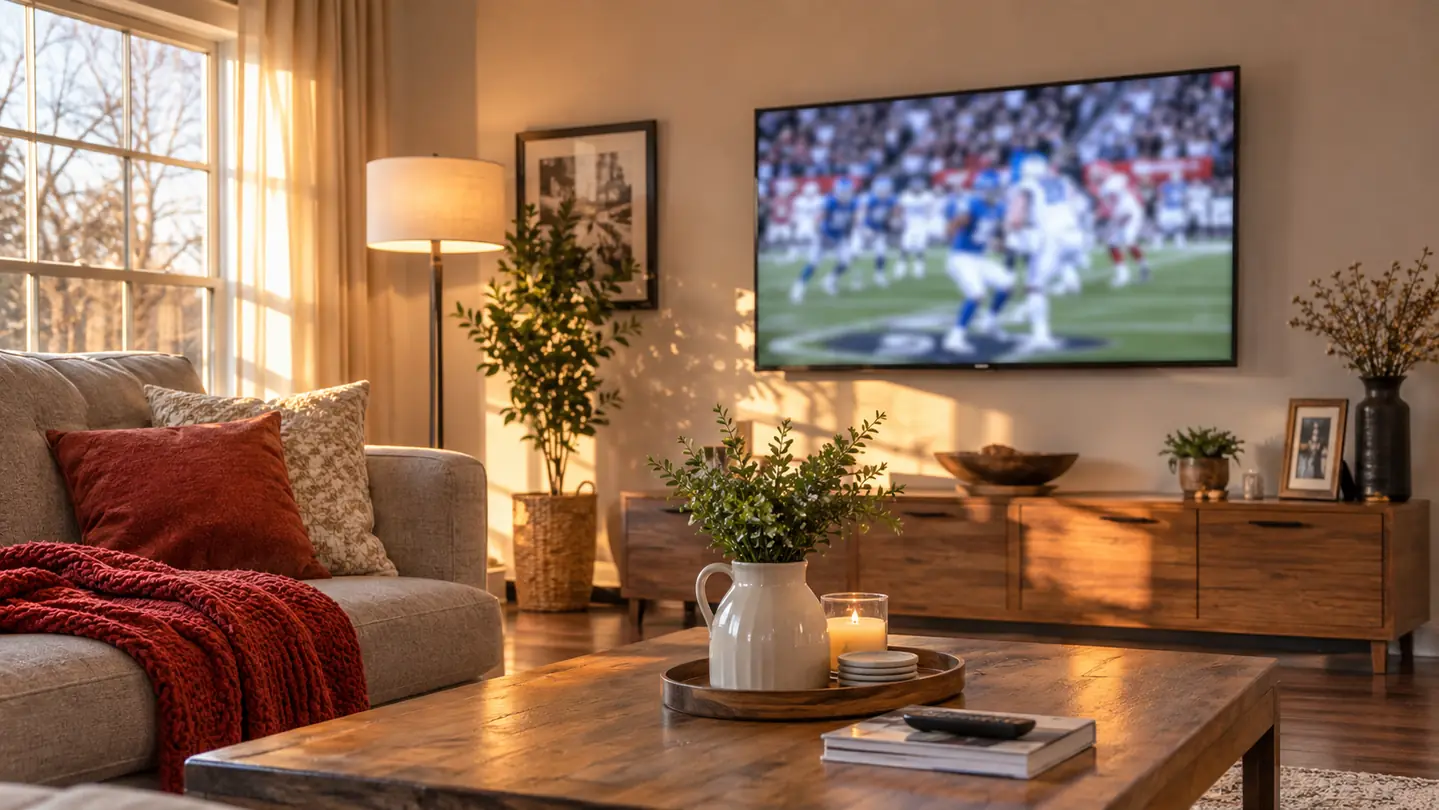
The long wall in my living room is eleven feet from the couch. That is a fine distance for a 55 inch screen. It is a bad distance from a window. For most of a year I watched the six o'clock news with a bright panel of afternoon light sitting right across the anchor's face, and I watched Saturday football from an angle that made the far sideline look like it belonged to a different game. Back then the set sat on a wooden TV stand and could not move in any direction. Whatever angle the stand gave me was the angle I got.
When the old 50 inch Samsung went to Marcus and a TCL 55 inch T7 took its place in November 2025, I bought a Mounting Dream Full Motion mount the same week. Not because I wanted a Saturday project. Because the stand could only do one job, which was hold the TV still. A full motion arm does the job the stand cannot: it tilts the screen, it swivels it left and right, and it holds the set out from the wall far enough that you can reach the back of it without standing on anything. Mounting Dream rates this one for most 32 to 70 inch TVs up to 110 lbs, with a max VESA of 400mm x 400mm. My TCL sits well inside that.
The thing about a fixed stand is that it locks in every compromise at once. The TV faces straight out because that is what a stand does. The glare stays because the set cannot tilt. The kitchen sees the screen edge-on or not at all. A full motion arm breaks those three problems apart so you can solve them one at a time, which is really all this is: taking the angle in five steps instead of living with it.
The angle fix that does not require a new TV
Tilts up 5 degrees and down 15 to kill glare, swivels left and right on six articulating arms, and comes with the hardware in pre-labeled bags. Mine has been on the wall since November 2025.
Amazon Check Today's Price on Amazon →Step 1: Pick the Height From Where You Actually Sit
Before any drilling, sit down. Not where you think you sit. For me that is the middle cushion, feet on the coffee table, coffee in the left hand. Gloria takes the end closest to the kitchen, which matters later. From the middle cushion I looked straight ahead and put a strip of painter's tape on the wall at my eye level. That tape line is the number the whole job hangs on, and it takes about ninety seconds to get.
The instinct is to hang the TV high, because a wall looks empty up there and a high screen feels important. It is a mistake. From eleven feet back, a screen centered a few inches above eye level is comfortable for two hours, and a screen centered a foot and a half above eye level is a neck ache by halftime. The center of the TCL ended up roughly level with my eyes from the couch, maybe two or three inches above. I measured from the floor up to the tape, measured the TV's height, halved it, and marked where the top of the plate needed to land.
One caution about height, because this is the order I got wrong the first time. The mount tilts, but tilt is not a substitute for height. Tilt exists to point the picture at your eyes, not to rescue a screen hung near the ceiling. If you find yourself cranking a long way down just to see a normal picture, the plate is too high and no amount of arm travel will fix it.
Step 2: Put the Plate on Two Studs, Not on Drywall
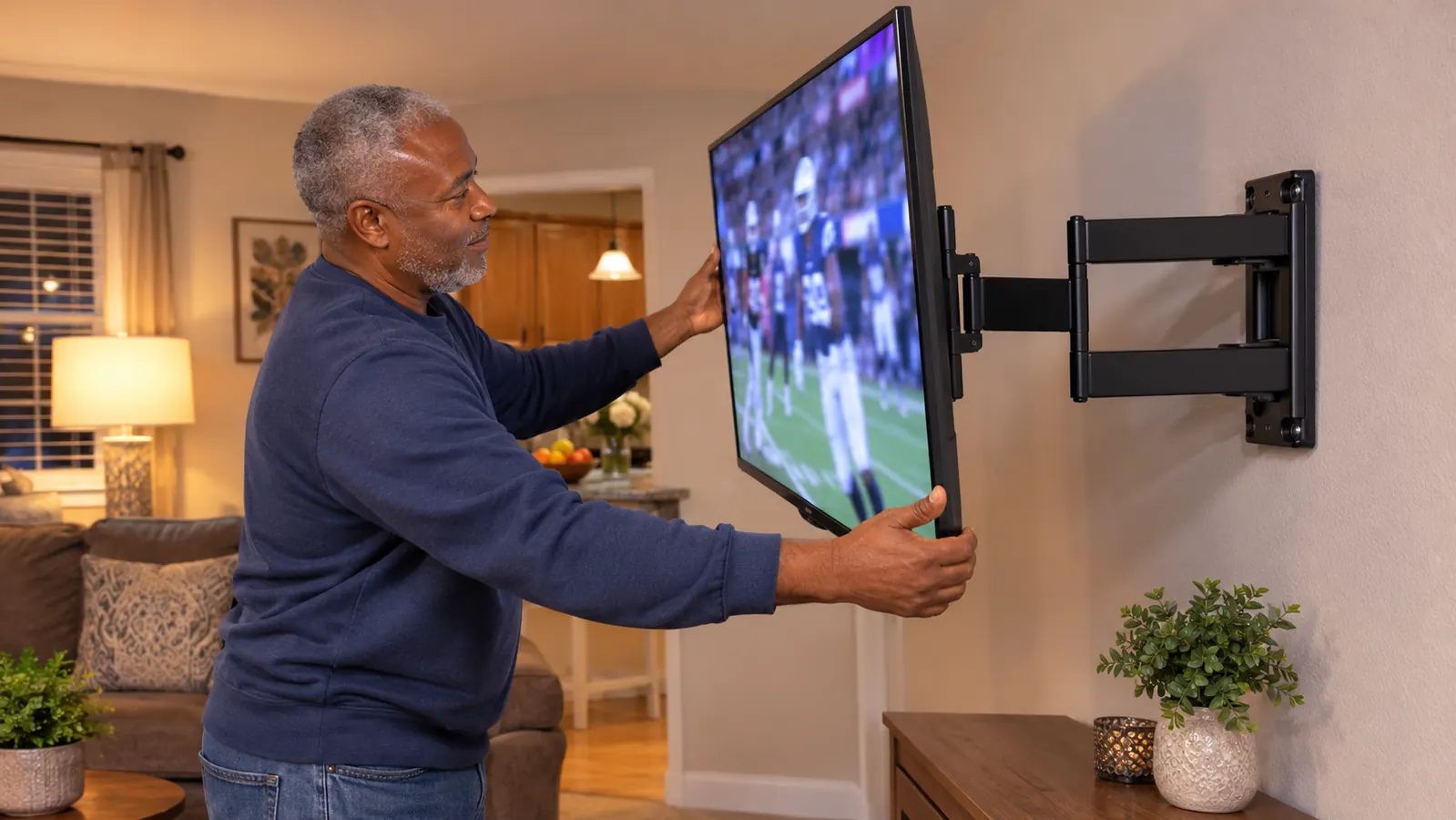
Two studs. That is the whole step. A full motion arm holds the TV out from the wall on six articulating arms, so the load is not only pulling down, it is also pulling out and sideways. That is a different kind of stress than a flat mount sees, and drywall anchors do not care for it. I found the studs with a stud finder and confirmed them with a thin nail, because my house was built long enough ago that the finder lost its mind in one spot. Then I marked both edges of each stud, not just the centers, so I could see the whole target while holding a plate over my head.
The wall plate on the Mounting Dream mount spans wide enough to catch two studs at sixteen inches on center, which is what my wall has. The hardware came in pre-labeled bags, so there was no guessing which bolt went where, and the instructions walked it in order. Marcus came over to lift the TV while I guided the brackets onto the arms. I would not do that lift alone with a 55 inch set, not because the mount cannot take the weight, but because holding a screen steady and lining up two brackets at the same time wants more hands than one person owns.
Before the drill comes out, do one measurement that is easy to skip: how far the arm pushes the TV out from the wall, and what sits under it. My media console is low, the soundbar is on it, and the antenna stands upright at the window end. With the arm out, the bottom edge of the TV comes forward over the console rather than over open floor. Measure the depth of whatever is under your TV and compare. That took me two minutes and kept me from drilling a plate several inches too low.
Step 3: Use the Tilt to Kill the Glare, Then Stop Fiddling
I hung the TV, pushed it flat, sat down, and only then noticed the glare. The window on the left side of the room throws light across the screen from about two in the afternoon until the sun drops behind the trees. Flat to the wall, the screen caught all of it.
The tilt on this mount goes up 5 degrees and down 15 degrees. I started with a small tilt down, a few degrees, and worked from there. Down tilt is what handles an overhead light or a window bouncing off the glass, because it aims the picture slightly at the floor and at your eyes rather than at the ceiling and the reflection. Five degrees was not enough. Somewhere past ten the picture went dim and the top of the screen started looking wrong. What I landed on was a few degrees short of the bottom of the range, and I have not touched it since.
Set the tilt from the seat, not from standing at the wall. Two feet from a 55 inch screen you cannot see the reflection you are trying to kill, so every adjustment you make from there is guesswork.
There is a second glare source people forget and it is the lamp. Ours sits on the end table by Gloria's side of the couch. Flat to the wall, it threw a bright spot across the lower left of the screen every evening at six. The tilt handled it the same way it handled the window. If you are chasing glare, turn on every light in the room and look at the screen from the couch before you decide the tilt is finished.
Standing two feet from the screen, you cannot see the reflection you are trying to kill. Sit down first, then adjust.
Step 4: Use the Swivel for the Kitchen, Not for Every Show
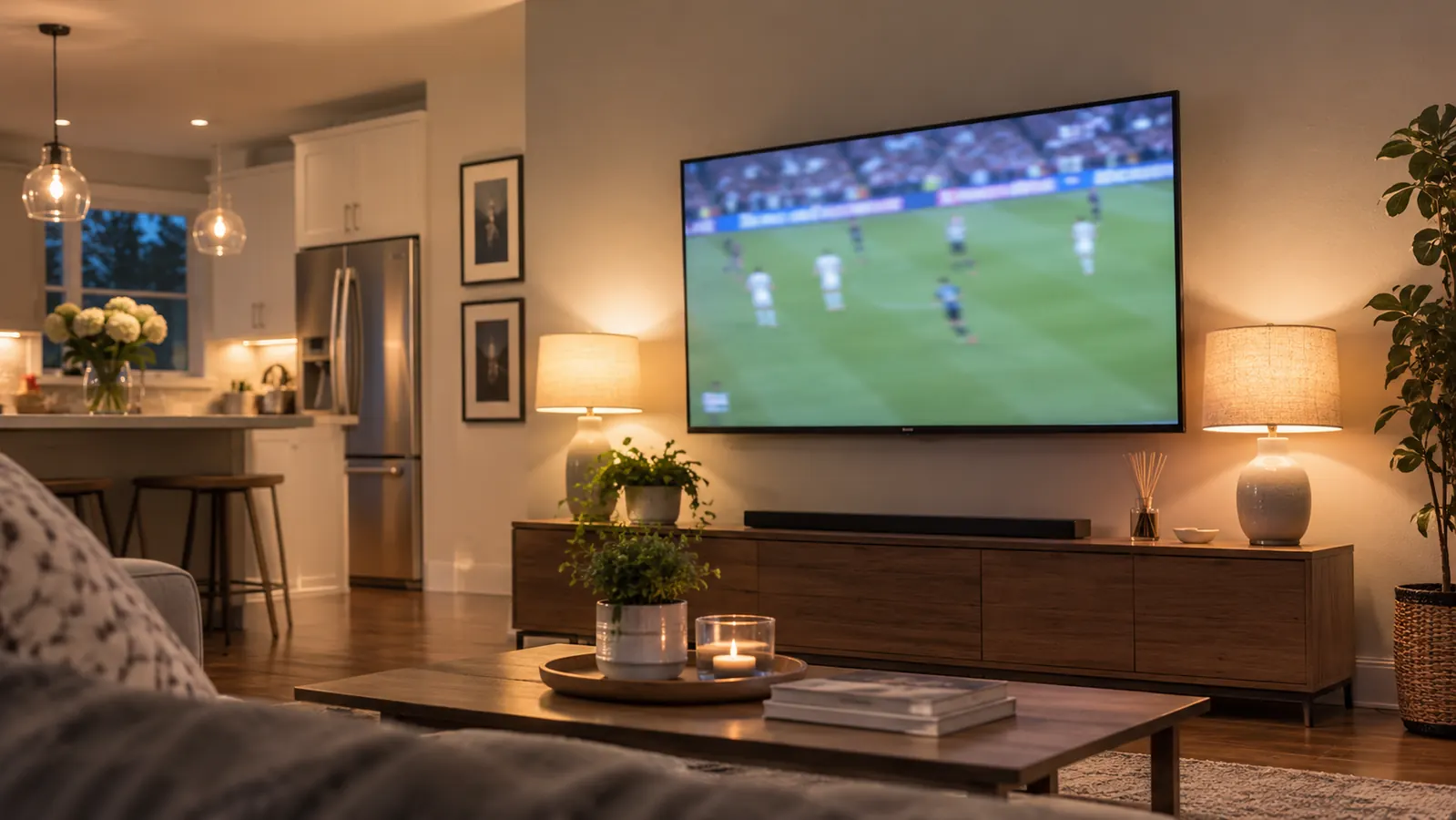
Gloria watches the six o'clock news while she finishes dinner, which means she is watching from the kitchen side of the room, well off to the left of the couch. That is precisely the problem a swivel solves. I pull the arm out and swing the screen toward the kitchen when she is cooking, then push it back flat against the wall for football. The arm holds where you leave it, so she is not holding it in place with a look.
What I learned is to use the swivel for the room, not for the program. The arm stays put wherever you stop it, so it is easy to nudge it a few degrees every time you sit down, and after a month the TV is aimed at the coffee table and nothing else. My rule now is flat to the wall for games, swung toward the kitchen for the news, and otherwise leave it alone. This mount swivels both directions, so there is no wrong side to set up on.
There is a limit worth knowing about and it is not a defect. When the arm is out and swung, the TV is out over the room. If your couch sits close to that wall you will feel the difference and the screen will read a little smaller. Ours is eleven feet back so it does not matter. If yours is six, swing a little less and sit a little more centered.
Step 5: Level It After It Is Hung, Not Before
The last step is the one people skip, and it decides whether the whole job looks professional. This mount has about 3 degrees of post-installation adjustment, which means the TV can be leveled after it is already hanging. My first pass was off enough that I could see it from the couch. Not a lot. Enough to bother me every single evening.
I loosened the adjustment bolts, had Gloria watch the little level I keep in the garage against the top edge from the couch, and nudged until it read square. A level reads differently when you are standing right next to the TV. Then I checked again the next morning in different light to be sure it was not the lamp fooling both of us.
The other test is the gap, and I trust it more than the level. Look at the space between the bottom of the TV and the console, and the space at the top. A screen that is off by a degree and a half is not obvious on its own, but an uneven gap above and below shows up instantly, even from across the room. If the gaps match, the TV is level. If they do not, it is not, no matter what the tool says.
What Else Helps
The mount fixes the angle. It does not fix everything about watching from eleven feet, and pretending otherwise would be selling you something. Three other things made a real difference in my living room: seating height, window light, and sound.
Seating height first, because it is free. Gloria's end of the couch sat lower than mine and she spent the whole news looking up. A cushion fixed it. Window light second. Pulling the shade halfway down before the six o'clock news did nearly as much for the picture as the tilt did, and it cost nothing.
Sound is the one that surprised me. When the TCL went up on the wall, the speakers in it were worse than the old Samsung's had been, and Gloria could not follow dialogue on the evening news without the volume at a level neither of us liked. A Polk Audio Signa S2 bar on the console under the TV, one HDMI cable into the ARC port, settled it. The mount had nothing to do with that. But a good picture with muddy dialogue is half a setup, and on the news the dialogue is the entire point.
Two more small things specific to my room. The local games come in over an indoor antenna standing on the console at the window end, and those broadcasts are what they are, which means the angle matters more for them, not less. Everything else runs through a Roku Streaming Stick 4K, and that is what we watch on. Neither changes your viewing angle. Both change how much you notice a bad one.
Hang it once, aim it for years
Two studs, one plate, and about 3 degrees of adjustment after it is already up. This one has been holding my 55 inch set flat to the wall since November 2025, and it swings toward the kitchen every weeknight at six.
Amazon See the Mounting Dream Mount on Amazon →