
Cable was never the thing I loved. The games were. For about twenty years Gloria and I had a cable package so we could watch the evening news and Sunday football, plus the morning news with coffee. In April 2025 we cancelled it. A month later I bought the intelbras indoor antenna, plugged it into the antenna input on our TV, and scanned for local channels. That is the short answer to the antenna versus cable question in our house: if your must-watch list is local news and the games carried on local stations, the intelbras antenna does the job without a monthly bill. If your must-watch list includes cable-only sports, a DVR, and a guide that goes past the local stations, cable still earns its keep.
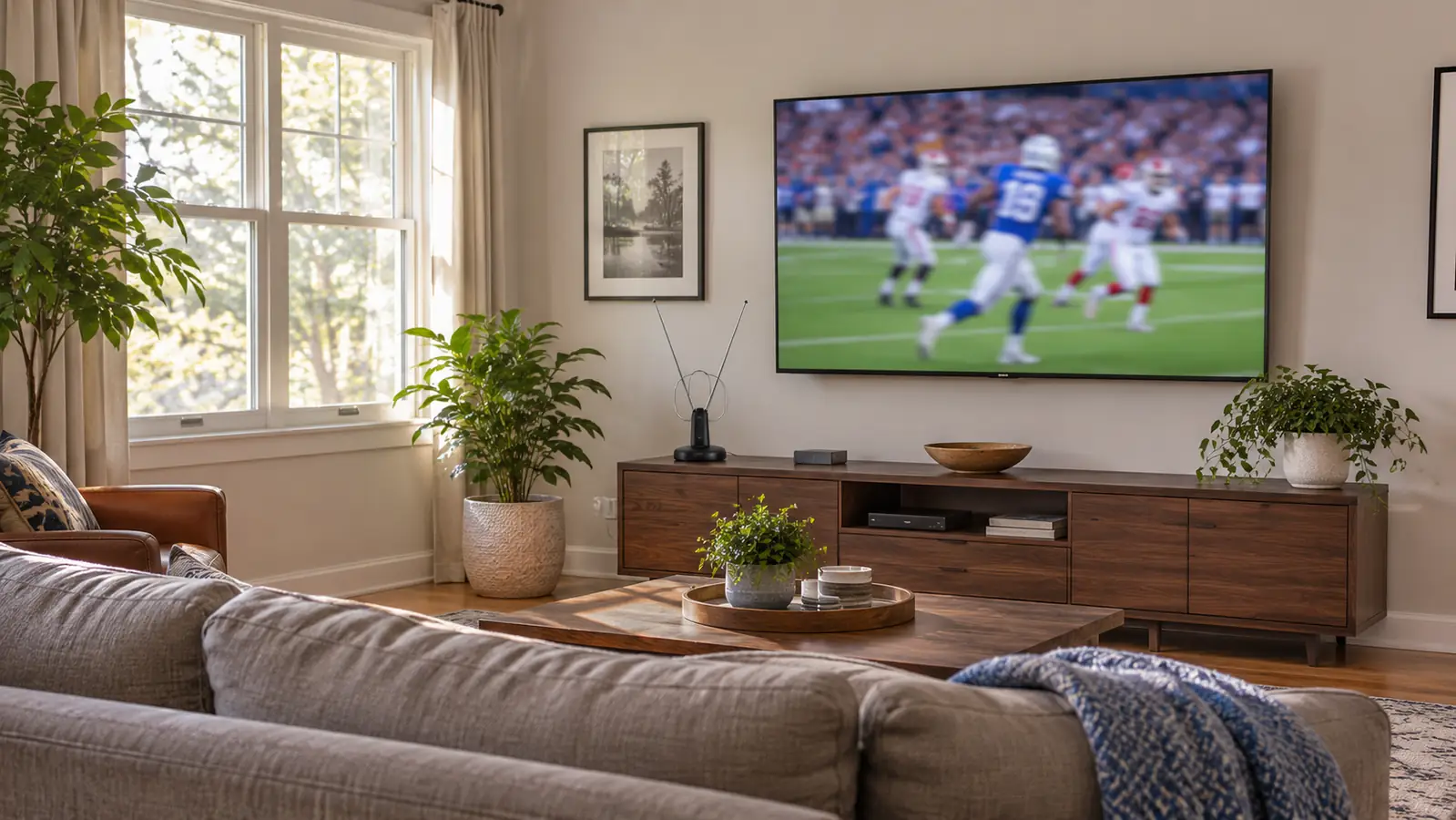
Here is the longer answer, and it comes from one living room in Raleigh, not a lab. One TV, a 55 inch TCL on the long wall, about 11 feet from the couch. Gloria watches the 6 o'clock news while she cooks, so I angle the TV toward the kitchen side. Marcus comes over for Sunday football. We have no second setup and no man cave. The antenna sits on the low media console under the TV, on the window side. That is the whole installation. No installer, no box, no new remote.
| intelbras indoor antenna | Cable subscription | |
|---|---|---|
| Monthly bill | None. You buy the antenna once. | Monthly bill plus box and equipment fees. |
| Local broadcast stations | Major local stations for morning news, evening news, and Sunday football. | Local stations are included too. |
| Cable-only channels | Not included. | Cable networks, regional sports, and specialty channels. |
| Live sports | Games carried on local broadcast stations, including Sunday NFL and some college football. | Local games plus cable-only games and regional sports networks. |
| DVR and on-demand | No built-in DVR. Recording depends on the TV or a separate device. | DVR, on-demand, and a channel guide are part of the service. |
| Setup | Plug into the TV antenna input and scan for channels. | Installer visit, cable boxes, wiring, and account setup. |
| Equipment on the console | One indoor antenna and its cable. | Cable box, router, remotes, and power cords. |
| Contract | No term contract. | Often a term contract or promo period. |
| Reception | Placement matters. Some days a station comes in cleaner than others. | Signal comes through the cable, so weather and placement matter less. |
| Whole-home wiring | One antenna feeds the TV it is connected to. | Service can feed every connected TV in the house. |
| Local news picture | When the signal is clean, local broadcasts look crisp on the TCL. | Picture depends on the provider's compression. |
| Cost predictability | No monthly bill to watch. | Bill can change after the promo period. |
Where intelbras Wins
The intelbras antenna wins the parts of the argument that made me cancel cable in the first place. The monthly bill is gone. I bought the antenna once, plugged it in, and that was the end of the hardware story. There is no box to reboot, no guide to scroll past channels I never watch, and no second remote on the coffee table. For Gloria and me, the antenna covers the morning news with coffee, the 6 o'clock news, Saturday college football, and Sunday NFL on the local stations. That is most of what we actually watched. The rest of the TV time goes through the Roku, which we already had.
The second win is how little the antenna asks of the room. It sits on the low media console under the TV, on the window side. It is plug and play. The cable runs from the antenna to the TV antenna input, and the TV does the rest after a scan. I did not drill a hole, I did not run cable through a wall, and I did not add a piece of furniture. When Gloria wants the news while she cooks, I pull the TV out on the Mounting Dream mount and angle it toward the kitchen side. The antenna stays put. When Marcus comes over for football, I push the TV flat to the wall. The antenna still stays put. That sounds small. In a living room, small things are the things you notice every day.
Where Cable Wins
Cable wins on volume. The antenna brings in local broadcast stations. It does not bring in cable-only networks, regional sports networks, or the pile of specialty channels that come with a cable package. If the game you want is on a cable-only channel, the antenna is not a substitute. You either find a streaming service that carries it, or you keep cable. I am not going to pretend otherwise. Cable also wins the DVR argument. The antenna has no built-in DVR. If you like to record a season of games and skip commercials, cable is the easier path.
Cable wins the lazy Sunday test. You turn on the TV, the guide is there, the DVR has the game, and the signal comes through the cable. The antenna asks you to switch the TV to the antenna input and, on a bad day, nudge the antenna a few inches. Reception depends on placement. In our house the antenna is on the window side for a reason. Cable is a managed signal. You pay for it, and it shows up. That is worth something, especially if you are not the person in the house who wants to fiddle with the setup.
If Local News and Sunday Football Are the List, Start Here
The intelbras indoor antenna is the piece that replaced our cable box for local channels. Plug it into the TV antenna input, scan, and see what your local stations do in your room before you change anything else.
Amazon Check Today's Price on Amazon →What the Antenna Actually Brings In
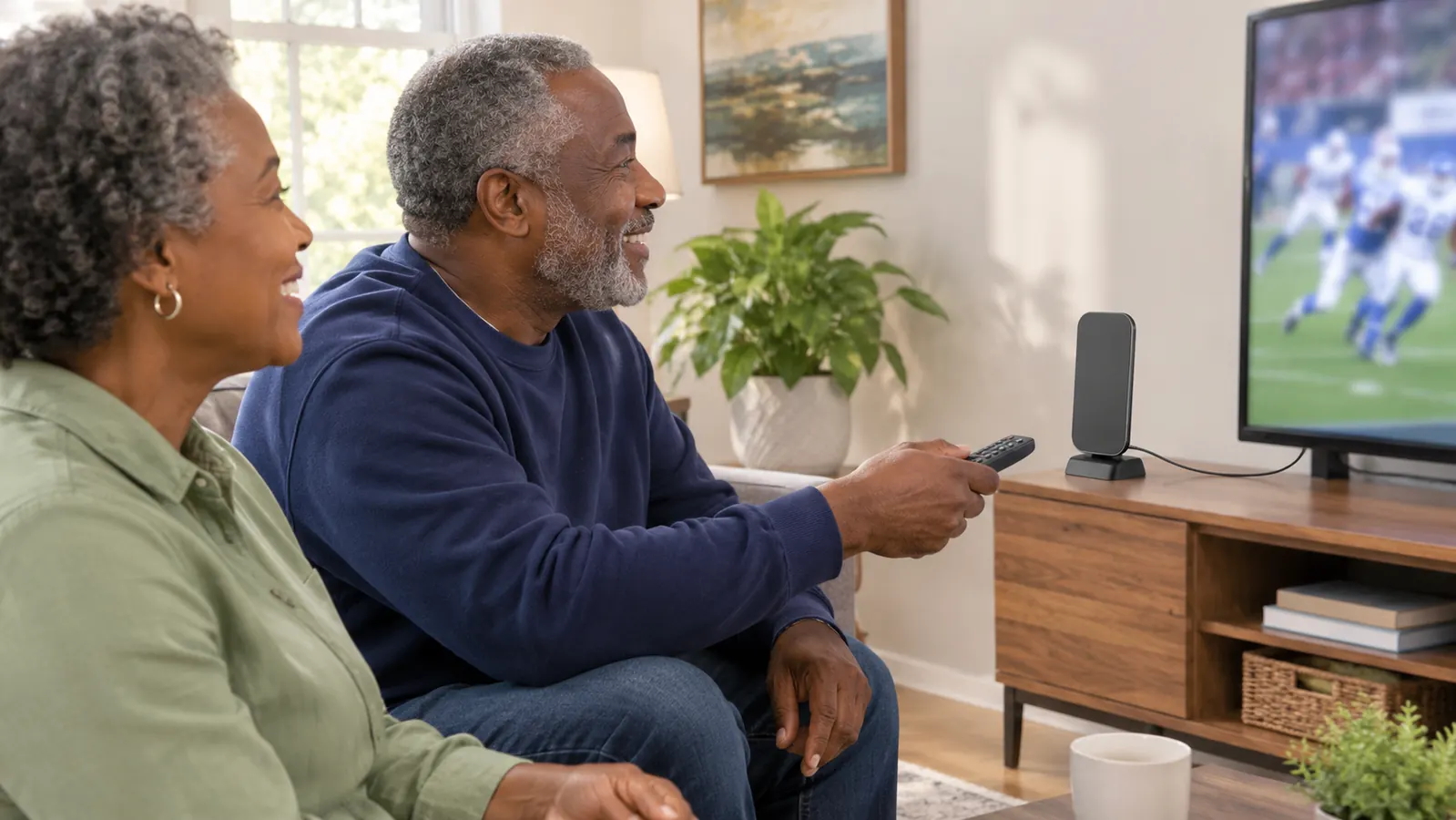
In our living room, the intelbras antenna brings in the major local broadcast stations. That means the morning news with coffee, the 6 o'clock news, Saturday college football, and Sunday NFL on the local affiliate. It does not bring in cable-only channels. It is not a streaming device. It does not replace the Roku. The Roku is still what we use for streaming, and the antenna is what we use for the local broadcasts. The two live side by side on the same TV. I switch to the antenna input with the TCL remote for local news and football, then go back to the Roku home screen for everything else.
The antenna is built for 4K and 1080p signals, and the listing says it supports other digital formats. I take that as a compatibility note, not a promise that every local station is 4K. On our 55 inch TCL, a clean local broadcast looks crisp. Football looks good. The evening news looks good. When a station comes in weak, it pixelates, and I move the antenna a few inches. That is the tradeoff. The picture is not better than cable in every case. It is good enough that I stopped missing the cable box for local channels.
The sound is a separate story. The antenna did not fix dialogue on the evening news. The Polk Audio Signa S2 soundbar did. Gloria could not hear the news through the thin TV speakers, so we added the bar in January 2026. The antenna feeds the picture. The soundbar handles the sound. I mention that because people blame the antenna for things it does not do. The antenna is a signal device. It is not a speaker, a DVR, or a streaming stick.
What Cable Still Does Better
Cable still wins the channel count and the DVR. It also wins the regional sports argument. If you follow a team that lives on a cable-only network, the antenna will not save you. You need the cable package or a streaming service that carries that network. Cable also gives you a guide that goes past the local stations and a DVR that holds a season of games. The antenna gives you the TV's own tuner and whatever guide the TV provides. For a household that wants one list of channels and one place to record, cable is more complete.
Cable wins the whole-house and the no-fiddle factors. One cable account can feed every connected TV in the house. The antenna feeds the TV it is connected to. If you have a TV in the bedroom and a TV in the living room, you would need a second antenna or a splitter, and a splitter can weaken the signal. We have one TV that matters, so this was not a dealbreaker for us. For a family with several sets, cable is simpler. You pay for the convenience. That is the honest trade.
Cable also wins when the weather turns. The signal comes through the cable, so placement and weather matter less. The antenna is not a fragile thing. It is a piece of hardware on a console. But reception can vary. A storm can knock a local station around. A truck can park in the wrong place. A station can pixelate, and moving the antenna can help. I have not had a dramatic failure. Cable has its own outages, but the day to day is more hands-off. If you want to turn on the TV and not think about the signal, cable is the easier answer.
What I'd Check Before You Cancel Cable
Before you cancel cable, check what you actually watch. Not what you think you watch. Not the channels you scroll past. Write down the games and news you would miss. For us, the list was short. Morning news, evening news, Saturday college football, Sunday NFL. The antenna covered that list. If your list has a cable-only network on it, find out whether a streaming service carries it before you make the call. The Roku makes that easy to check. I am not going to tell you to cancel cable and hope.
Check your room. The antenna needs a spot with a fair shot at the local stations. Ours is on the low media console under the TV, on the window side. That is not a laboratory setup. It is a console by a window. If your TV is on an inside wall with no window nearby, you may need to try a few spots. The antenna is plug and play, but plug and play does not mean every corner of every room works the same. Give yourself an afternoon to scan and move it.
Check your patience. The antenna is simple, but it is not invisible. It sits on the console. It has a cable. If a station pixelates, you may move it. If you want a setup that never asks you to touch it, cable is the calmer choice. If you want to stop paying a monthly bill for local channels and you do not mind a small piece of hardware on the console, the antenna is a fair trade. That is the whole argument. It is not a religion. It is a TV signal.
Who Should Buy Which
Buy the intelbras indoor antenna if your must-watch list is local. Local morning news. Local evening news. Sunday NFL on the local affiliate. Saturday college football on a local station. You have one TV that matters. You are willing to plug in the antenna, scan for channels, and move it a few inches if a station acts up. You like the idea of no monthly bill for those channels. Skip it if your must-watch list is cable-only sports, regional sports networks, a DVR full of games, or a channel guide that goes past the local stations. Skip it if you have several TVs and want them all fed from one account.
Buy cable if you want the full package, the DVR, the guide, and the regional sports networks. Or mix the two. That is what we do. The intelbras antenna handles the local broadcasts. The Roku handles streaming. We cancelled cable in April 2025 and have not gone back. The antenna was bought in May 2025 and it has been on the console since. The TCL came in November 2025, the mount came the same week, and the soundbar came in January 2026. The setup is not fancy. It is a living room that works for the way we watch.
If you are on the fence, start with the antenna and keep a streaming service for the cable-only stuff. That is not a compromise. It is a lineup. The intelbras antenna brings in the local stations. The Roku brings in the streaming apps. You can still add cable later if you miss the guide or the DVR. The point is to stop paying for a package by default and decide what you actually watch. For us, the answer was local news and football. That is why the antenna is still on the console.
The Simplest Way to Find Out Is to Scan Your Local Stations
If local news and Sunday football are the must-watch list, the intelbras indoor antenna is the low-drama place to start. It plugs into the TV, it does not need a box, and it does not add a monthly bill.
Amazon Check Today's Price on Amazon →