
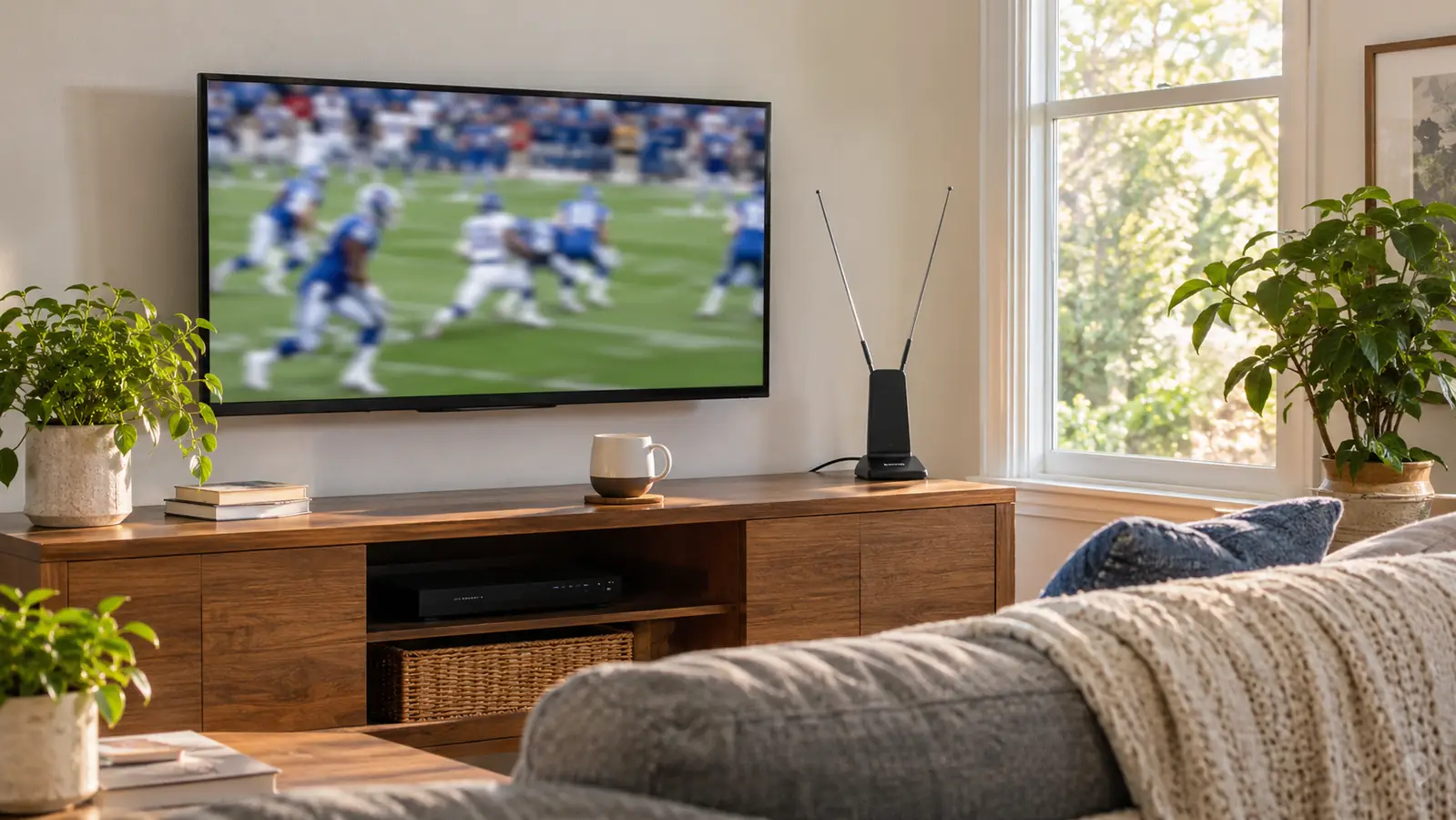
I bought the intelbras indoor antenna in May 2025, one month after Gloria and I cancelled cable. We had paid for cable for about twenty years, and I was not looking for a hobby. I wanted the local morning news with coffee, the evening news at six, and Sunday football without a cable box blinking at me from the console. The antenna plugged into the TV's antenna input, sat upright on the low media console under the TV on the window side, and that was the install. What nobody tells you is that the install is not what decides whether you are happy. Placement is.
I am 58, retired from the city bus garage in Raleigh, and we have one living room that matters. The TV is on the long wall across from the couch, about 11 feet back. Gloria watches the morning and evening news with me, and she is the one who notices when dialogue is hard to hear. Marcus, our grown son, comes over for Sunday football. We are not running a media room. We are running a house, and the antenna has to fit into that.
The Quick Verdict
A useful local-channel receiver for one room, not a cable replacement. The intelbras antenna works when you give it a fair spot and a fair chance.
Amazon Check Today's Price →The local-channel antenna that did not turn my living room into a project
This is the intelbras indoor antenna I bought for local news and Sunday football. It plugs into the TV's antenna input, sits on the console, and works with the TV's own tuner. If your must-have channels are broadcast locally, start here.
Amazon See it on Amazon →The Short Version: What Nobody Tells You
The first thing nobody says clearly enough is that an antenna is a receiver, not a service. It does not add channels. It does not unlock a package. It lets your TV's tuner pull in the local broadcast stations that are already moving through the air around your house. The intelbras listing says it supports 4K, 1080p, and other digital formats, and that it is plug and play. That matches what I did: one cable into the TV, one scan, and then the local stations appeared.
The second thing is that your room is part of the product. In my house, the window side of the console works. When I slid the antenna about two feet toward the middle, one local station got fussy and the picture started to break into blocks. I moved it back and it settled. That is not a defect. That is how indoor antennas behave. You are buying a small piece of hardware that has to be placed, not a guarantee that every station will be perfect in every corner of the room.
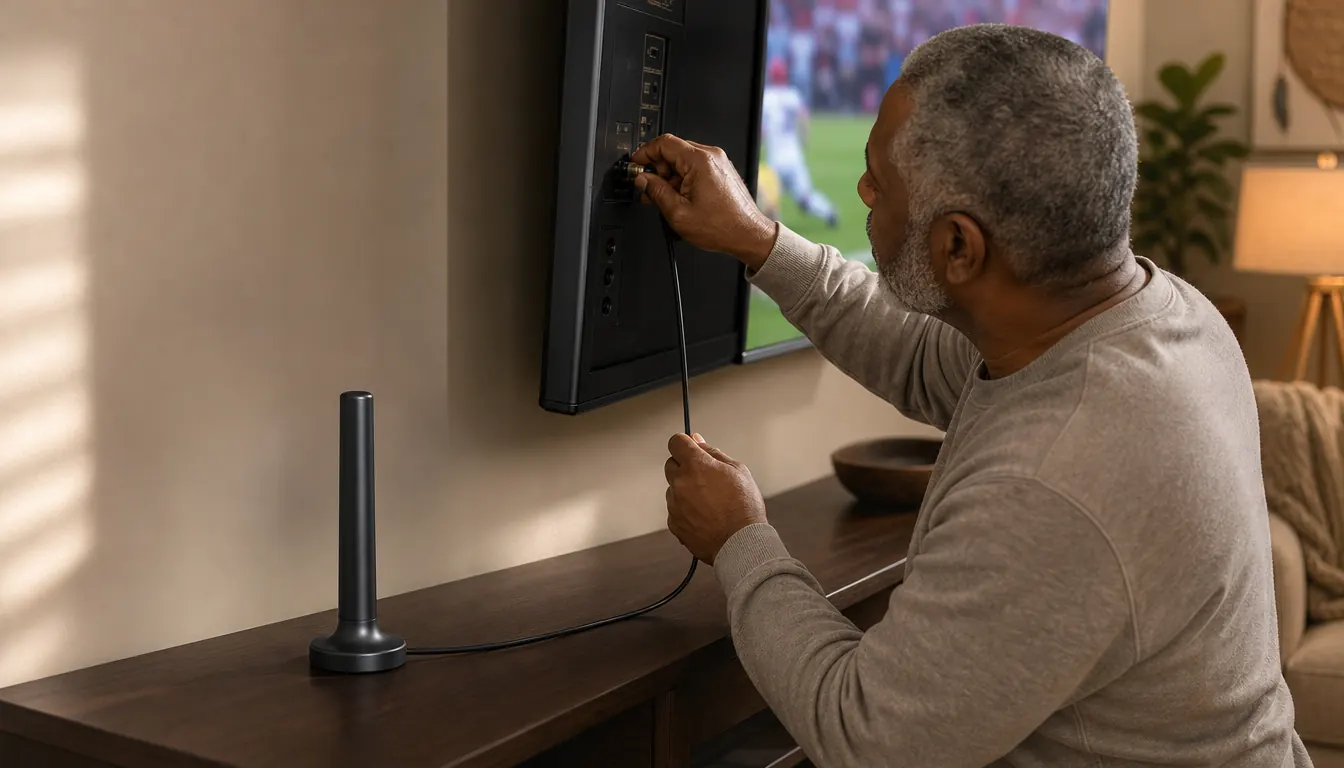
The third thing is that the cable is part of the job. The listing says the cable is long and the unit is easy to hide. I ran the cable along the back of the console and down to the antenna input. If your TV is wall mounted and your console is low, you can make it disappear. If you want a clean look, plan the cable route before you decide the antenna is bad. A messy cable does not mean a bad signal, but it does make a good setup feel worse.
How I've Used It in One Living Room
Our setup is simple. The TCL 55 inch T7 is on a full motion mount on the long wall. The intelbras antenna sits on the low media console below it, on the window side. The Roku Streaming Stick 4K handles streaming. The Polk Signa S2 soundbar handles dialogue. The antenna handles local broadcast. Four boxes, four jobs. The antenna is the only one that depends on what is outside the house.
I use it every weekday morning for local news, every evening at six, Saturdays for college football, Sundays for NFL, and in winter for basketball. I am not flipping through a hundred channels. I am going to the local stations and staying there. For that job, it has been steady. On a good day the local news desk looks sharp and a kickoff return looks like a kickoff return. On a bad weather day the picture can break up. That is the honest version.
The first week I rescanned the TV a few times after moving the antenna. That is the part people skip. Your TV has to learn the stations after the antenna moves. If you plug it in, scan once, and declare it useless, you have not tested it. You have tested one placement. I probably moved ours three times before I found the window side spot. The third move was the one that stuck.
What It Picks Up Cleanly
It brings in the major local broadcast stations for the morning and evening news and Sunday football. That is the job I bought it for, and it does that job. The picture on local sports is the reason I keep it. When the signal is clean, motion looks natural. The old 2016 Samsung we had before the TCL was a 60Hz set, and fast motion could smear. The TCL is smoother, and the antenna feed lets the local game look the way a game should look. The antenna is not adding detail. It is giving the TV a clean local signal to work with.
The evening news is clear enough that Gloria stopped asking me to turn it up. I cannot give the antenna all the credit. The soundbar fixed the dialogue. But the antenna gives the soundbar a clean feed. If the feed is pixelated, the sound is not the problem. When the feed is clean, the soundbar does its job and the news sounds like people talking in the room.
I also like that it takes up little space. The console is low and the antenna sits upright near the window. It does not crowd the Roku or the soundbar. The listing says it is plug and play and easy to hide. That matches my setup. It is not a piece of furniture. It is a small piece of hardware with a cable, and that is all I wanted.
The antenna did not replace cable. It replaced the cable box for local news and Sunday football, and that is a smaller, more honest job.
What It Misses, and Why That Is Normal
It misses the channels that are not broadcast over the air. That includes most of the cable news I used to leave on in the background and the sports networks that carry the games I do not get on local TV. If your must-have game is on a cable network, this antenna will not find it. You need a streaming service or another source, and that is a different purchase. The antenna is not a bundle. It is a local receiver.
It also misses when the weather is bad. Heavy rain and wind can break up a local station. It comes back. I have not had a day where it was gone for good. But if you expect a perfect picture every hour of every day, you will be annoyed. That is true of any indoor antenna, and it is true of the intelbras antenna too. Nobody should pretend otherwise.
It misses if the antenna is in the wrong spot. In my room, the window side works. The middle of the console is worse. That is not a brand problem. That is a physics problem. The intelbras antenna is not magic, and I would not trust a review that says it is. It is a tool that works when you give it a fair chance.
It misses the convenience of a channel guide. The TV's tuner lists the stations, but the antenna does not add a smart guide, an app, or a search screen. You use the TV remote. I use the TCL remote only to switch to the antenna input, then I am in the TV's tuner. That is fine for me. If you want a polished interface, you will miss it.
The Setup Detail That Mattered More Than the Antenna
The biggest improvement in our house was not the antenna. It was the soundbar. Gloria could not hear dialogue on the evening news through the thin TV speakers, so we added the Polk Signa S2 about ten months ago. The antenna gave us the local feed, and the soundbar made the feed intelligible. If you are blaming the antenna for bad sound, check the speakers first. A clean picture with bad speakers is still a bad evening.
The second detail was the mount. We hung the TCL in November 2025, and I installed the Mounting Dream full motion mount into two studs with Marcus helping lift the TV. The antenna sits below on the console. The mount lets me pull the TV out toward the kitchen side when Gloria is cooking and watching the news, and push it flat for games. The antenna stays put. That is the right division of labor. The TV moves. The antenna does not.
The third detail was the cable route. The antenna cable runs from the console to the TV's antenna input. It is long enough for my setup. I used a few clips to keep it tidy. If you have a wall-mounted TV and a low console, you can hide it. If you have a TV on a stand with a mess behind it, you can still make it work, but give yourself ten minutes and a flashlight. The cable is not the fun part. It is the part that makes the install look finished.
What I Liked
- Brings in the major local broadcast stations for news and Sunday football
- Plug and play with the TV's own tuner, no extra box or remote
- Takes up little space on a low console and is easy to hide
- Long cable gives you room to route it cleanly
- Supports 4K, 1080p, and other digital formats
- 360 day limited warranty from the listing
Where It Falls Short
- Local broadcast stations only, not cable networks
- Placement matters, so you may need to move it and rescan
- Bad weather can break up a station for a while
- One room, one TV, no whole-house solution
- No smart guide, app, or search screen
- Not a fix for a weak signal in a bad location
Reception Is a Room Problem, Not a Brand Problem
I have read enough antenna reviews to know the pattern. Someone buys an antenna, plugs it in, gets a few stations, and calls it a scam. Someone else in a different house gets a dozen and calls it a fantastic buy. The difference is usually the room, the distance to the towers, the window, the wall, and the weather. The intelbras antenna is one small piece of hardware in that chain. It cannot beat a hill. It cannot beat a metal roof. It can work well when the local signals reach your room.
In my Raleigh house, the local stations are close enough that the antenna works on the console. If you live farther out, behind a hill, or in a building with a metal roof, your result will be different. That is not a reason to avoid the product. It is a reason to buy it with the right expectation. You are testing your address as much as the antenna. That is the part the product page cannot tell you.
The warranty is 360 days limited. That is a real number from the listing, and it is longer than the return window on most electronics. I have not needed it. The unit has been on the console for about 18 months. It has not failed, broken, or been returned. That does not prove it will last forever. It does mean my sample of one has been fine. If it dies next month, I will change this section. That is the honest deal.
What I'd Tell a Friend Before He Buys
I would tell him to buy it for a specific job, not a vague hope. If he wants local news and the Sunday game and he is tired of a cable box, this is a fair tool. If he wants every sport and every channel he had on cable, he should not buy it. The antenna does not know what he wants. It pulls in what is broadcast, and the TV sorts it out. That is the whole transaction.
I would also tell him to test it before he mounts anything or hides any cable. Put the antenna on the console, scan, and live with it for a week. Move it once. Scan again. Give the local stations a chance to show up. If the picture is clean on the news and the game, then tidy the cable. If it is not, move it again before you blame the box. That is how I got to the window side, and that is the advice I would give any friend in Raleigh or anywhere else.
Who This Is For
This is for a household that wants local broadcast stations in one room and is willing to move the antenna a few times to find the spot. It is for sports fans who care about the local game and the evening news, not for people who need every cable network. It is for a renter or homeowner who does not want another box, another remote, or another bill. It is for someone who can accept that the picture is not perfect in a storm. If that sounds like your house, the intelbras antenna is a reasonable place to start.
Who Should Skip It
Skip it if your must-watch team is on a cable sports network and not on a local broadcast station. Skip it if you live too far from the local towers or have a wall of brick or metal between you and the signal. Skip it if you want a channel guide that feels like a streaming app. Skip it if you are not willing to rescan the TV after you move the antenna. The intelbras antenna is a tool, not a service, and the tool only works when the room cooperates. If you go in knowing that, you will be fine.
If local news and Sunday football are the goal, this is the antenna I would try first
The intelbras indoor antenna is the one on my console. It is not a cable replacement. It is a local-channel receiver for one room, and it has been steady for the job I gave it. Check the current availability and see if it fits your address.
Amazon See the intelbras antenna on Amazon →