
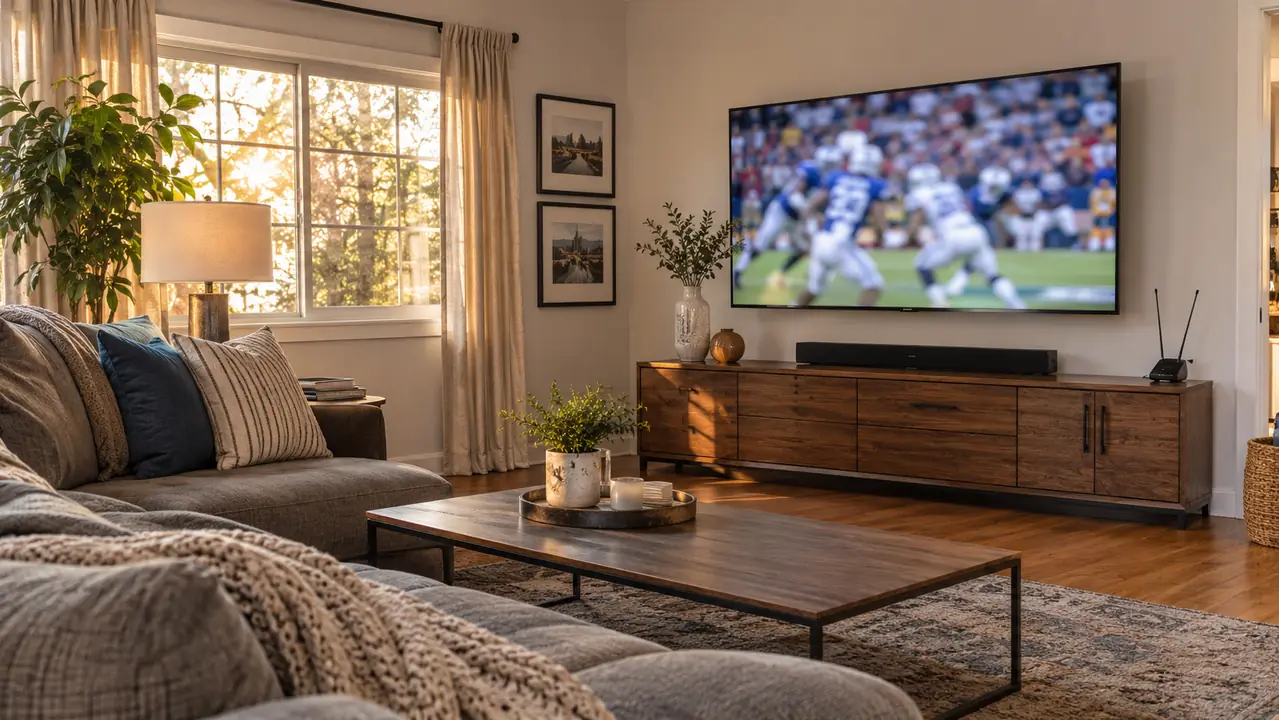
I am Curtis Mabry, 58, a retired city bus mechanic in Raleigh, and I bought the TCL 55 inch T7 in mid-November 2025, before Thanksgiving football. I did not buy it because I wanted a new toy. I bought it because the old 50 inch 60Hz Samsung from 2016 made a kickoff return look like a rumor. The ball would get to the returner, the camera would pan, and the whole play would smear into a blur. I would sit on the couch about 11 feet away and squint. Gloria would ask if the picture was supposed to look like that. It was not. The TCL T7 is the set we watch now, and this is how I set it up so fast sports motion looks right in one ordinary living room.
Most setup advice is written for a test bench. My living room is not a test bench. It has one window, one couch, one low media console, and a wife who watches the evening news while she cooks. The TCL has a 120Hz panel and Motion Rate 480 with MEMC Frame Insertion, and those two things matter for sports. But they only matter after the set is mounted at the right height, fed a clean signal, and given a motion setting that fits the room. Here is the order I would do it in if I had to start over.
Get the TCL T7 set up before the next kickoff
The 55 inch T7 is the set in this living room, used for antenna football and Roku streaming. Check today's price and current availability on Amazon.
Amazon Check Today's Price on Amazon →Step 1: Mount the TCL where the room already sits
I did not move furniture for the TV. The couch is about 11 feet from the long wall, and that is where the TCL went. The set is 48.2 inches wide, 27.9 inches high, and 2.7 inches deep, and it weighs 24.3 pounds. I measured the long wall, found two studs, and installed a Mounting Dream full motion mount the same week I bought the TV. Marcus came over to help lift the set onto the mount. I am 58 and I can lift 24.3 pounds, but a 55 inch panel is awkward, and two people make it a five-minute job instead of a story.
The full motion mount is not a luxury in our house. Gloria watches the evening news while she cooks, so I pull the TV out and angle it toward the kitchen side. For football, I push it flat to the wall. That sounds like a small thing. It is not. A set that is angled toward the couch and away from the window will show less glare on a glossy screen. The TCL has a glossy screen finish, and a window on the side wall will show up in a daytime game if you let it.
Mount it so the bottom of the screen is close to eye level when you are sitting on the couch. If you mount it too high, you will spend the whole game looking up, and fast motion will feel worse because your eye has farther to travel. I am not saying you need a laser level. I am saying sit on the couch, hold the set where you think it should go, and have someone else tell you if you are craning your neck. That is the test.
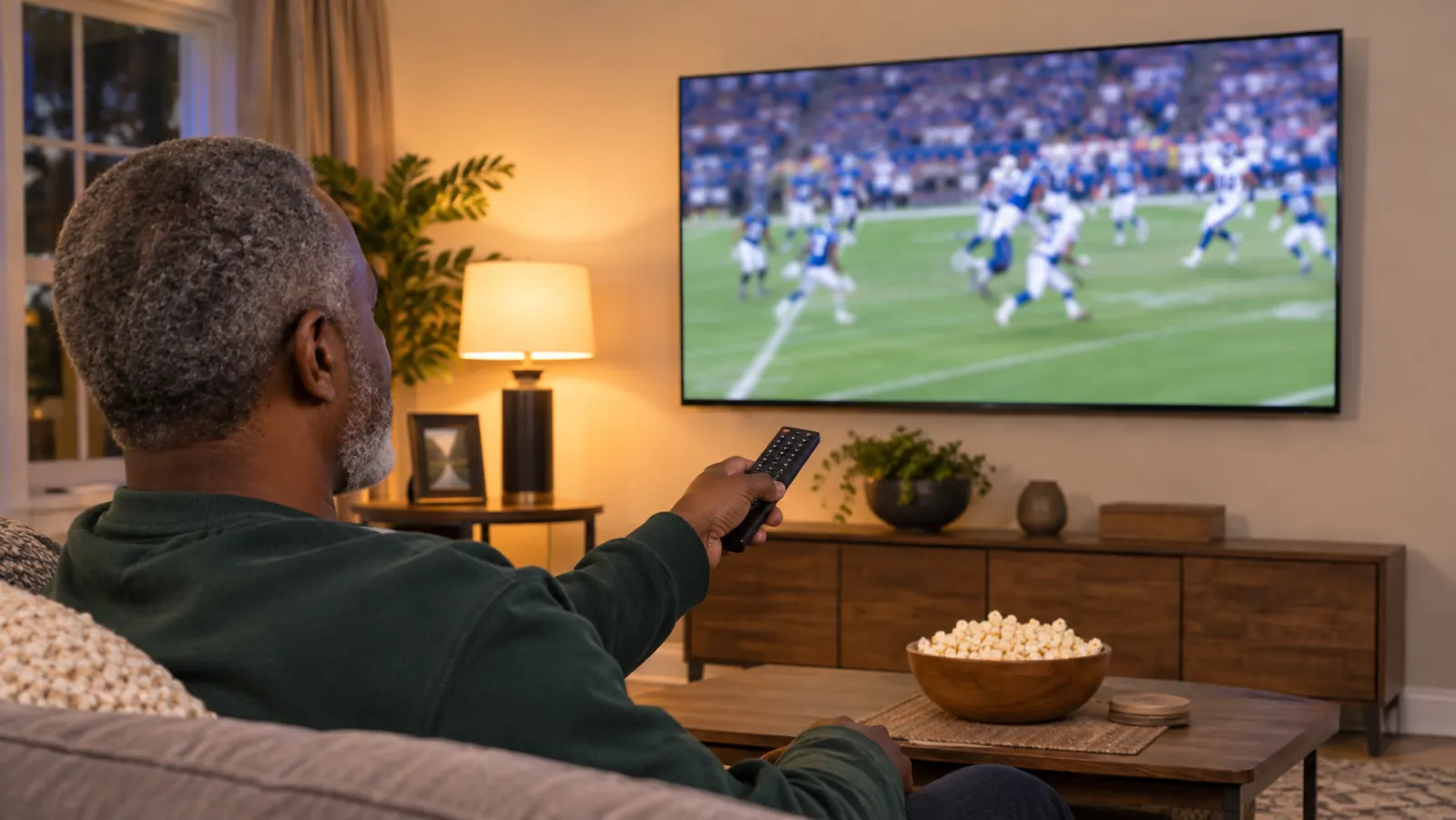
Step 2: Feed the TCL one clean signal at a time
I have two sources that matter. The indoor antenna plugs into the TV's antenna input and sits upright on the low media console on the window side. The Roku Streaming Stick 4K is in an HDMI port. The Polk Audio Signa S2 soundbar is connected with one HDMI cable. That is it. I do not use the TCL's built-in Google TV apps for everyday watching. I tried them for a couple of weeks and went back to the Roku because Gloria learned the Roku home screen first. The TCL remote is mostly for switching to the antenna input.
Before you touch a picture setting, check the feed. A local broadcast through the antenna can look steadier than a compressed stream, especially for football. The TCL has RF, HDMI, Ethernet, USB and Wi-Fi connections. If your router is close enough to run a cable, the Ethernet port is the steadier choice for streaming. If it is not, Wi-Fi is fine, but give the set a clear path to the router. A stream that is dropping frames will look like a motion problem even when the panel is doing its job.
The other thing I do is keep the sources separate. The antenna is for morning news, evening news and Sunday football. The Roku is for everything else. When the game looks bad, I switch to the antenna first. If the antenna looks good and the stream looks bad, I know the problem is the stream. If both look bad, I look at the motion setting. That one habit has saved me from chasing a setting that was never the issue.
Step 3: Set the motion control for the TCL's 120Hz panel and MEMC
The TCL T7 has a 120Hz panel refresh rate. The spec sheet calls the motion feature Motion Rate 480 with MEMC Frame Insertion. MEMC stands for motion estimation and motion compensation. In plain words, the set looks at the frames it is given and inserts extra frames to smooth the gap. That is the setting that decides whether a kickoff return looks like a continuous play or a series of still photos.
Go into the picture settings and find the motion control. I cannot give you the exact menu path because TCL moves things around between models, but you are looking for the control tied to Motion Rate 480. Start with it on for football and basketball. Watch a fast play, not a slow replay. A punt return is a good test. So is a basketball game when the camera follows a guard up the court. If the ball looks like it is leaving a trail, or the players look like they are moving through water, back the setting down. If the ticker at the bottom of the news looks like it is stuttering, go the other way.
There is no single setting that is right for every source. The antenna feed and the Roku stream are not the same. I keep one motion setting for antenna football and a slightly different one for streaming. The TCL's AIPQ Pro processor is also working on color, contrast and clarity at the same time. Change one thing, watch a full drive, then change something else. If you change five things at once, you will not know which one made the fourth quarter look better.
One more note. Motion smoothing is a taste thing. Some people like the soap opera look. Some people hate it. Gloria does not care as long as the news ticker is readable. I care because a bad pan makes me seasick. The right setting is the one that lets you watch a whole game without thinking about the TV. That is the only test that matters.
Step 4: Work with the glossy screen and the HDR formats
The TCL has a glossy screen finish and supports Dolby Vision, HDR10, HDR10+, HLG and Open HDR. That is a lot of alphabet. The short version is that the set will switch into an HDR format when the source sends one, and you should let it. Do not hunt for a setting to force HDR on a source that is not sending it. The set and the source will sort it out.
The glossy screen is the part that needs your attention. In my living room, a daytime game can pick up a window reflection on the long wall. I angle the full motion mount a few degrees away from the window for daytime football. At night, I put a lamp behind the couch, not in front of the screen. That is not a TV setting. It is a room setting, and it does more for a fast game than most menu changes.
I also leave the picture close to the way the set came. The TCL's Direct LED backlight and QLED layer already put out more color than the old Samsung did. I do not push the picture into the brightest, most saturated setting for sports. A picture that looks punchy for a 30-second highlight will wear you out by the fourth quarter. If the game is on at noon, I close the blinds on the window side or angle the set. If the game is on at night, I turn the room lights down. The TCL does the rest.
Step 5: Set the sound and make game day one or two buttons
Gloria could not hear dialogue on the evening news through the TCL's built-in speakers. That is not a knock on the TCL. Thin TVs are thin for a reason, and the speakers are not the reason you buy the set. In January 2026 we added a Polk Audio Signa S2 soundbar. It sits on the low media console under the TV, connected with one HDMI cable. The wireless subwoofer sits on the floor at the left end of the console. Before that, we only used the TV's built-in speakers. I have never owned another soundbar.
For sports, the bar gives the crowd noise and the announcers a little more room. For the evening news, Gloria can hear the dialogue without cranking the volume. That is the whole point. A TV setup is not just a picture. If you have to ride the volume during a game, you will miss the next play.
Then simplify the buttons. The TCL remote switches to the antenna input. The Roku voice remote does almost everything else. That is two remotes on the coffee table, and one of them is only for local broadcasts. I tried to make it one remote and gave up. Gloria knows the Roku remote, and I know the antenna input. That is a system that works. If you have a soundbar, use the HDMI cable and leave it alone. If you do not, the TCL's built-in speakers are fine for a quiet room, but they will not fix a noisy Sunday.
What Else Helps
Put the antenna where it can breathe. Ours sits upright on the low media console on the window side. If your local feed breaks up during a game, move the antenna before you buy anything. I am not going to give you a channel count or a mileage figure because those numbers depend on your house. The TCL's RF input is the input that matters for local broadcasts. If the picture breaks into blocks on the antenna, that is a signal problem, not a motion problem.
Give yourself ten minutes before kickoff. The TCL takes a moment to switch between the antenna and the Roku. I turn it on, switch to the antenna, and let the guide fill in. Then I check the motion setting on a fast play. I do not do this at 1:00 on Sunday with company in the room. The setup is a five-minute job once you know the steps, but it is a miserable job when the game has already started.
The old 50 inch Samsung from 2016 went to Marcus. It was a 60Hz set, and fast pans smeared on it. The TCL's 120Hz panel and MEMC are the reason the same play looks steadier in our living room. That does not mean the TCL will make a bad stream look good. It will not. A clean antenna feed and a steady stream are still the first things that matter. The TCL is the set that makes a good feed look like the game is happening in the room. That is what I wanted.
The 120Hz panel and MEMC did not make a bad stream look good. It made a good antenna feed look like the game was happening in the room.
The set that made the fourth quarter look like the first
If fast motion is the reason you are shopping, start with the 120Hz TCL T7. It is the same 55 inch set in this living room. Check today's price and current availability on Amazon.
Amazon Check Today's Price on Amazon →