
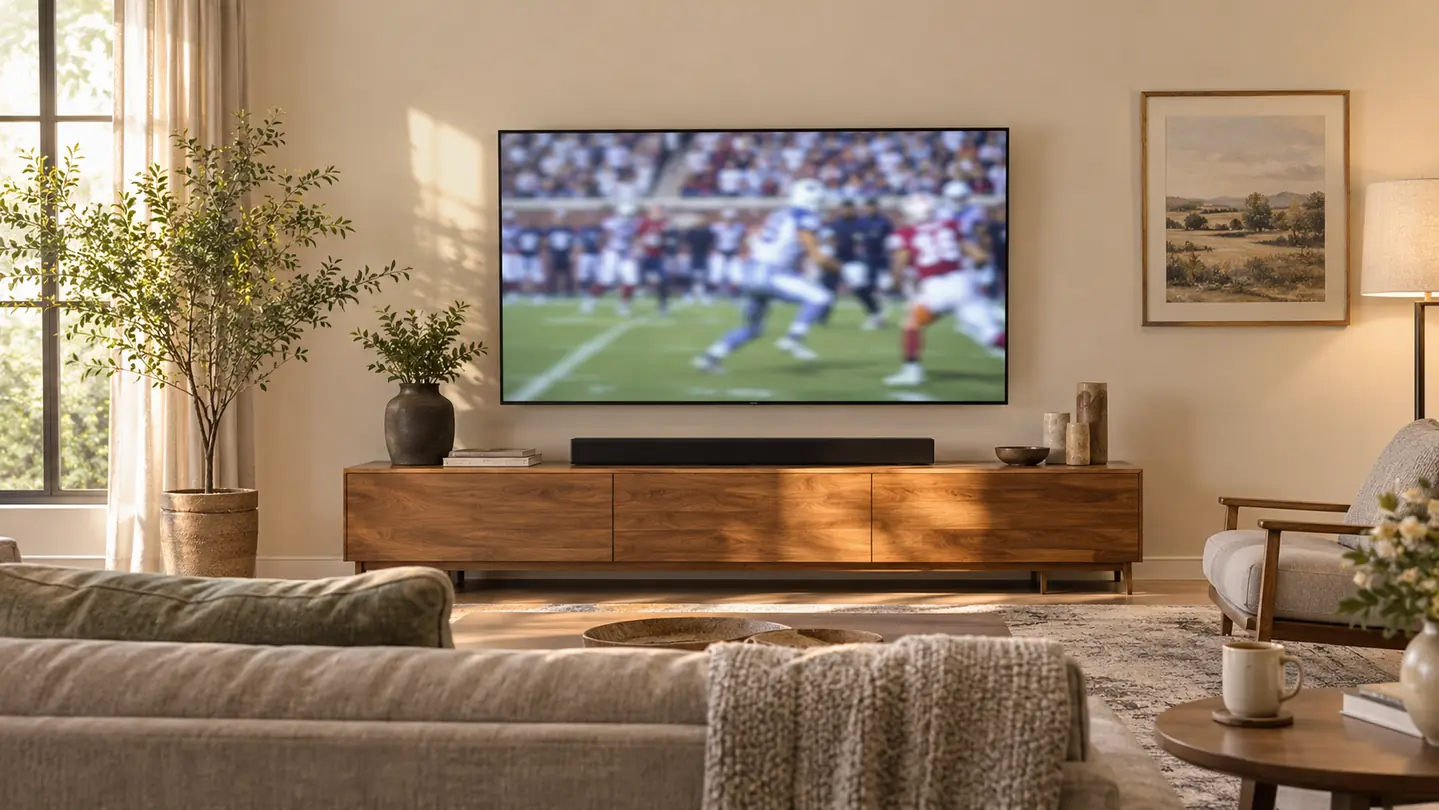
For most of a year I watched the evening news leaning forward with the remote in my hand, riding the volume up through the anchor's voice and back down again when the commercials hit. Gloria would say she could not make out what anybody was saying. I would push the volume higher, she would lean in, a car dealership ad would come through loud enough to make her jump, and by the weather segment neither of us could tell you what the lead story had been.
The trouble was never the broadcast. Our TCL 55 inch T7 is thin, and a thin TV puts small speakers in a small box aimed at the back of a wall. Speech comes out of it sounding like somebody reading through a paper towel tube. What fixed it in our house was the Polk Audio Signa S2, a soundbar I bought in January 2026 and set on the low media console under the TV with one HDMI cable into the ARC port. Setup took about ten minutes and it ended the volume rodeo for good. Here is the order I would do it in if I were standing in your living room.
The Fix Is the Bar Under the Screen, Not a Bigger TV
The Polk Audio Signa S2 takes one HDMI cable and puts an anchor's voice back in front of the music bed. It is the first thing I would change in any room where the news sounds like mumbling.
Amazon Check Today's Price on Amazon →What You Need Before You Start
Three things: an HDMI port on the back of the TV marked ARC, one HDMI cable, and a wall outlet near the console for the subwoofer. That is the whole list beyond the bar itself. If your TV is a few years old, get down there with a flashlight and read the labels before you order anything, because not every set prints the letters in the same place or at the same size, and the port you want is the one that carries sound back out of the TV.
Give yourself fifteen minutes and pick a time when nobody is watching something they care about. The first pass through the menu, you will go in twice and come out once convinced you broke something. You did not. Ours came together on a Sunday afternoon with the pregame show running in the background, and the only tool involved was a dust cloth to get behind the console.
Step 1: Set the Bar on the Console and Run One Cable to the ARC Port
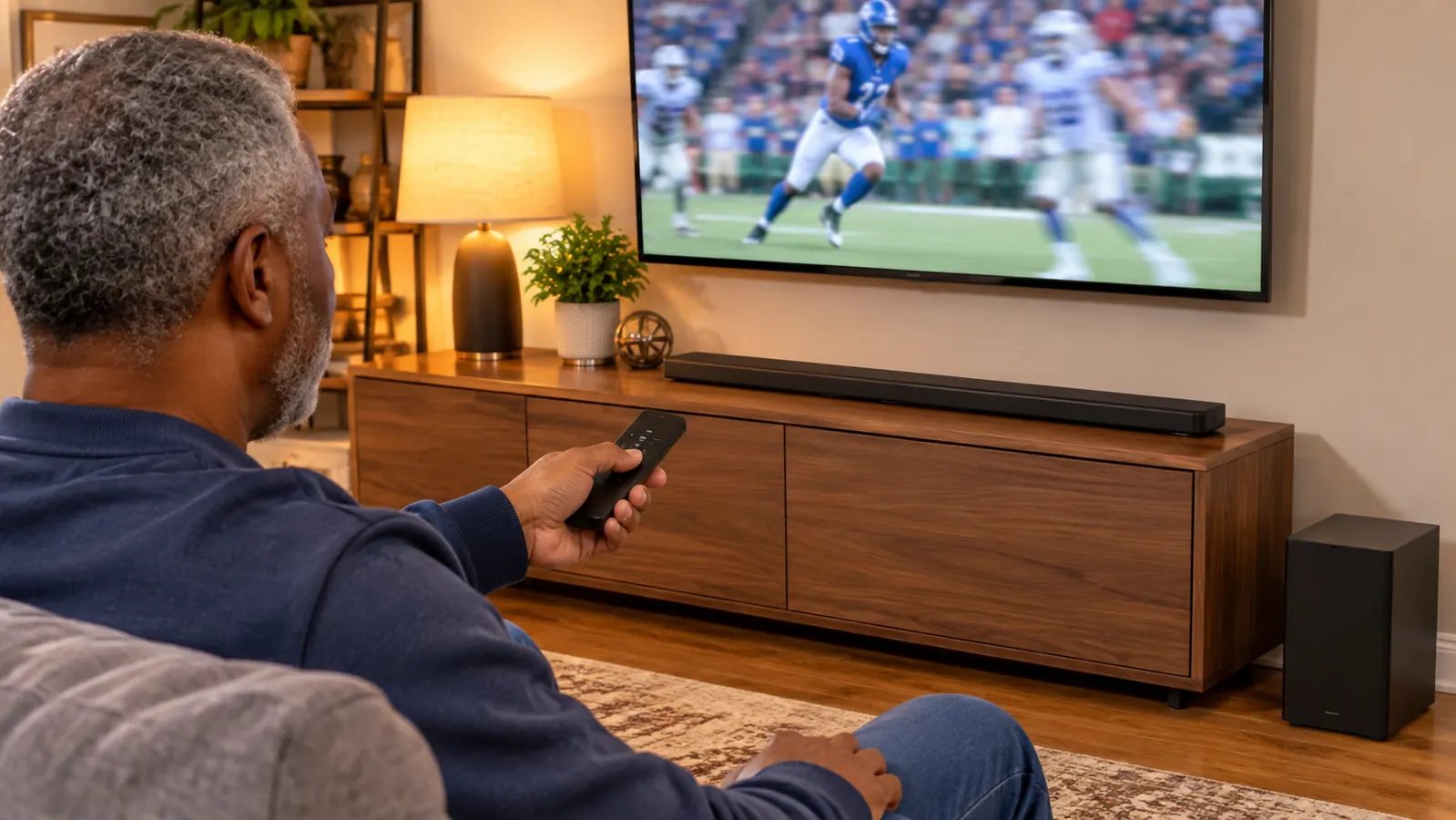
You do not need to move the TV or drill a single hole. The Signa S2 is 35.43 inches wide, 2.15 inches tall and 3.9 pounds, so it sits on the media console directly under the screen and stays where you put it. On our 55 inch TCL there is clear space between the top of the bar and the bottom edge of the picture, and the TV's IR sensor is still open, which matters because I point the Roku remote at the set out of twenty years of habit.
The wiring is one HDMI cable from the bar to that ARC port. That is the entire connection for the bar. The subwoofer is wireless, so the only cable it wants is its own power cord, and ours runs to the outlet behind the console with the box sitting on the floor at the left end. The subwoofer comes with the bar, so there is no second purchase and no matching problem to solve.
One thing I got wrong at first: I slid the bar back until it was nearly touching the wall, because it looked tidier that way. It sounded like somebody had thrown a blanket over the anchors. Pull it forward so the front of the bar lines up with the front edge of the console and the drivers have air in front of them. That single inch changed more than any setting I tried afterward.
Step 2: Point the TV's Audio Output at the Bar, Not at Its Own Speakers
A soundbar connected to a TV that is still using its internal speakers is an expensive shelf decoration. Go into the TV's sound menu and set the audio output to the HDMI ARC input you just plugged into. On the TCL it is a short trip through settings, maybe four presses, and the moment it takes, the set's own speakers go quiet and the bar takes over everything the television plays, including the antenna news.
Test it on the six o'clock news rather than on a movie. Movies have explosions and orchestral swells that will fool you into thinking everything is working. An anchor reading a school board story at a normal speaking level is the honest test, because that is exactly the sound that was giving us trouble.
If you still hear the thin sound coming from behind the screen, the TV has not switched over. Go back into that menu before you touch anything on the bar. I have talked two neighbors through this over the phone and both times the cable was fine and the setting was not.
Step 3: Bring the Voices Up with VoiceAdjust Instead of Cranking the Volume
Here is why dialogue gets buried in the first place. An anchor's voice sits in the middle of the mix, while the music bed under the graphics, the commercials and the sound effects all sit louder. Turning the whole thing up turns the loud parts up first, so you end up with clear commercials and muddy talking, which is the exact complaint coming from the other end of the couch.
The Signa S2 has a VoiceAdjust control, and that is the one to learn. It lifts the speech range on its own, so the anchor comes forward without the rest of the broadcast coming with it. I set it once on a Tuesday evening, sat back, and Gloria stopped asking me to repeat the weather. Then set the overall volume to a level where two people can still talk in the room without raising their voices.
Do not stack fixes. If you raise VoiceAdjust, leave the TV's own audio settings alone and let the bar do the work. Two devices both trying to help is how people end up with a bar that sounds harsh and a spouse who has quietly given up on it.
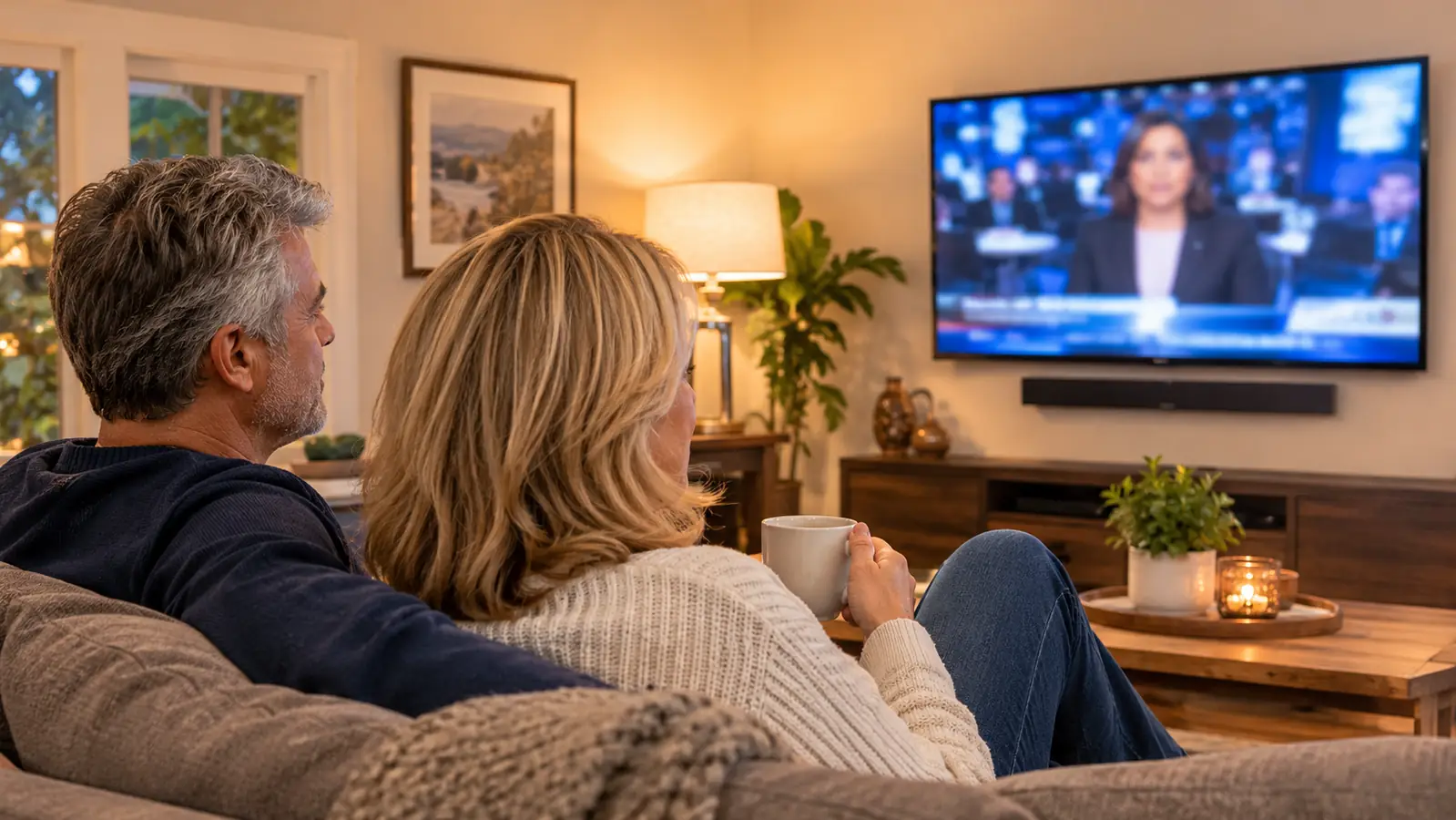
Gloria stopped reaching for the remote during the six o'clock news. One cable and about ten minutes of setup did what a year of leaning forward could not.
Step 4: Place the Bar and the Subwoofer for the Room You Actually Have
Our couch sits about 11 feet from the TV, in one living room, with the bar on the long wall and the subwoofer on the floor at the left end of the console. That is not a designer's layout, it is just where the outlet and the furniture allowed, and it works. Speech comes off the bar and reaches the couch before the room has much chance to smear it.
Two placement mistakes cost people clarity. The first is putting the bar inside a shelf or a cabinet, which traps the sound and makes voices seem like they are reading from inside a box. The second is shoving the subwoofer behind the couch or deep into a corner where it booms. Bass from a small subwoofer is easiest to live with when the box has a little air around it and is not aimed into upholstery.
If your room is hard, with bare floors and big windows, try angling the bar slightly toward where you sit instead of firing it straight across the room. I do something similar with the TV mount when Gloria is watching from the kitchen side, and the same idea applies to sound.
Step 5: Find One Volume and Stop Riding the Remote
Once VoiceAdjust is set and the bar is out where it can breathe, pick a volume for the news and leave it alone. Commercials will still be louder, that is broadcast television and nobody has fixed it yet, but the gap stops being violent. The five full-range drivers in the bar carry the midrange where speech lives, so you are no longer asking one tiny speaker in a thin panel to handle everything at once.
The practical result in our house is that the news volume number does not change from Monday to Friday. Before the bar I was up for the anchor and diving for the remote on every ad break. Now I set it during the morning news with my coffee and it holds through the evening.
Two remotes live on the coffee table now, the Roku one and the Polk Audio one, and that is the honest cost of the upgrade. The bar's remote handles voice level and volume. The Roku remote stays in charge of what we watch. I labeled neither of them, and I still grab the wrong one sometimes, but I grab it far less often than I used to fight with the volume.
What Else Helps
Signal quality matters more than people expect. Our indoor antenna pulls the local stations well enough that the news looks clean, and a clean picture usually comes with clean sound. On a rainy Saturday when a college game arrives weak, the bar faithfully reproduces the mess. No soundbar fixes a station that is coming in badly.
Keep the front of the bar clear. A stack of mail, a picture frame, or a bar tucked behind the TV's own feet will all cost you speech clarity, and none of that is the bar's fault. Ours sits alone on the console with nothing in front of it, and I have become mildly annoying about keeping it that way.
Give it a week before you decide. The first night I thought the voices were too far forward and the bass too polite. By the fourth evening it sounded normal, which is the whole point. Marcus came over for Sunday football the next weekend and asked what had changed, and he was not asking about the picture.
What It Won't Fix
It will not fix a bad broadcast or a weak station. If the anchor sounds bad on three different channels, it is your signal. If they sound bad on one, it is that station's mix and there is nothing on your console that will rescue it.
The bass is what a small wireless subwoofer can give you: warm and adequate, not room shaking. Nobody is going to mistake our living room for a theater. The enclosure is plastic, and the bar has its own remote to keep track of alongside the TV and the Roku. Built-in music streaming is there if you want it, but it is not the reason to buy this.
What it does fix, in one evening, is the reason we bought it. Gloria watches the evening news at a volume that does not carry down the street, and she hears what the mayor said. I stopped leaning forward. That is the whole review.
If the Evening News Sounds Like Mumbling, This Is the Ten Minute Fix
One HDMI cable, one menu setting, one control for the voices. The Polk Audio Signa S2 sits under a 55 inch screen without blocking the picture or the remote sensor.
Amazon Check Today's Price on Amazon →